Best 3D Printers for Beginners: Budget, Midrange, and Premium Picks
Disclosure: We may earn a commission when you buy through links on this page, at no extra cost to you. As an Amazon Associate I earn from qualifying purchases. Learn more

The best 3d printers for beginners at three price levels, plus what each tier delivers and which features are worth the money.
Beginner friendly 3D printers now range from about $200 to well over $1,000, and the gap between the cheapest and the most expensive is not always obvious from a spec sheet. Finding the best 3d printers for beginners is mostly about knowing where extra money buys real convenience and where it only buys features you will not use in your first year.
This guide breaks the market into budget, midrange and premium tiers, explains what each level actually delivers and points out the features worth paying for. If you are setting up a workshop corner for the first time, it will help you spend once and spend well.



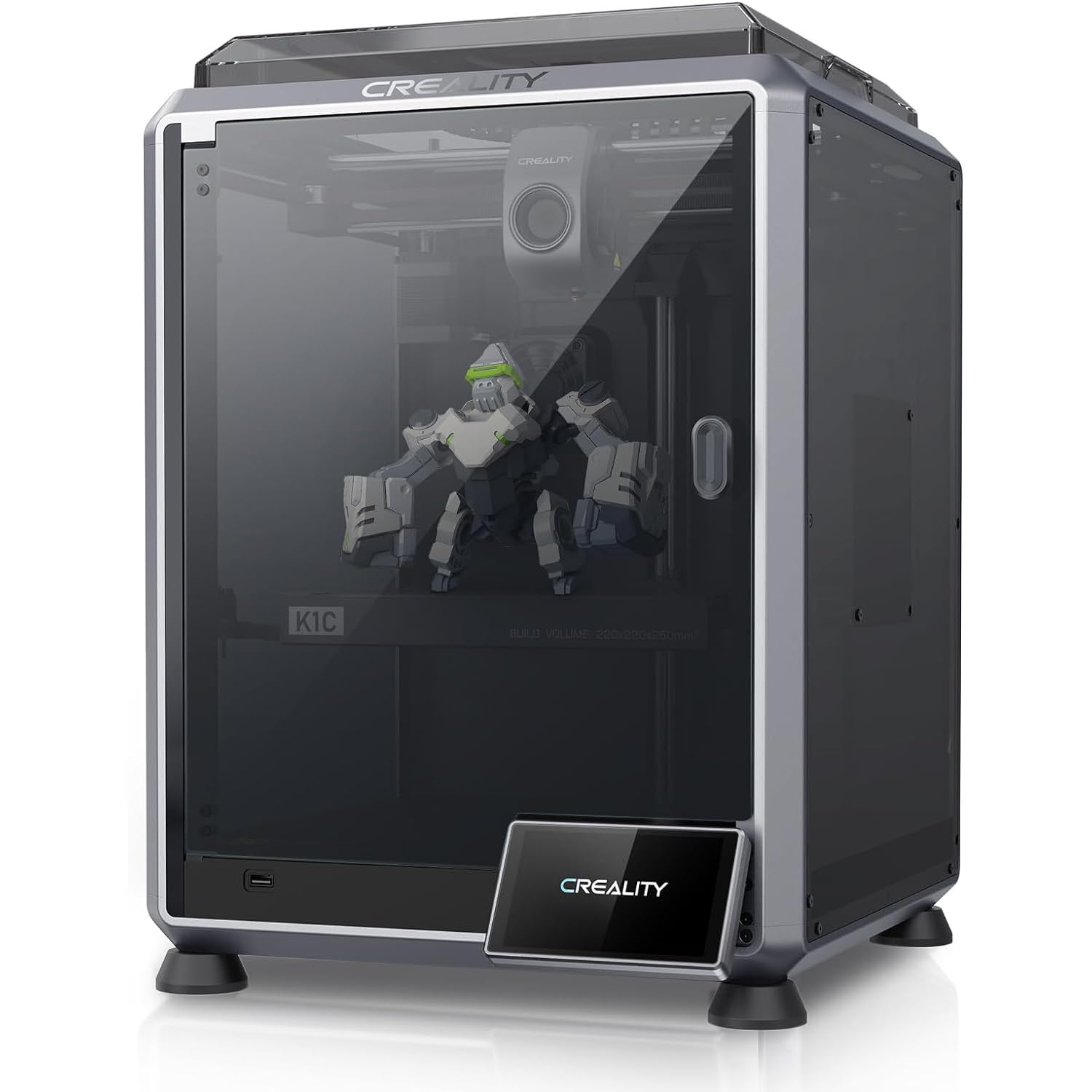


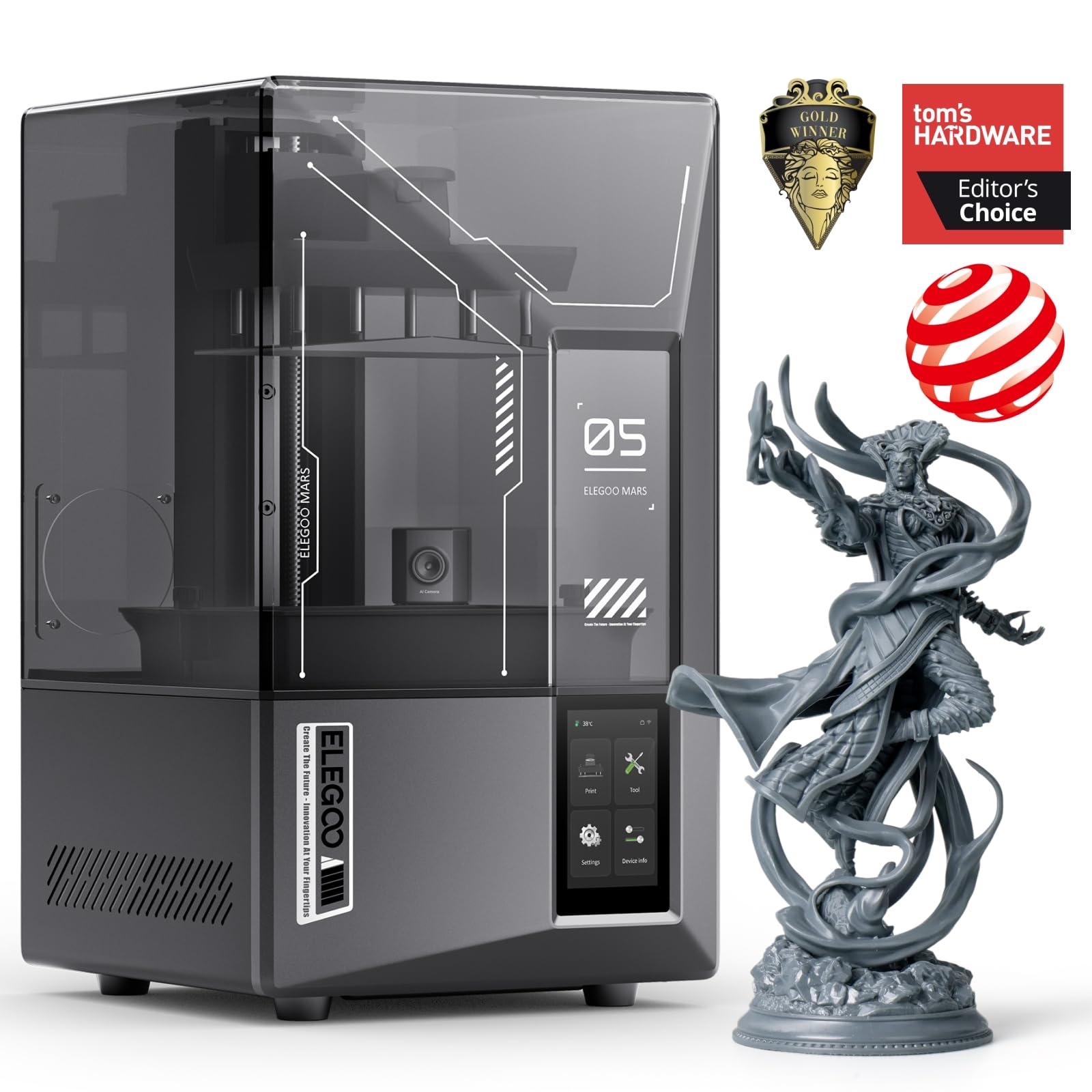


3D Printers for Beginners: Top 3 Picks by Budget
These three printers represent the best value at each price level for someone printing their first parts, tools and organizers. All three are FDM printers that melt plastic filament, which is the easiest and cheapest technology to learn. Prices change often, so treat the figures as approximate.
Best Budget Pick: FLASHFORGE Adventurer 5M
The Adventurer 5M suits hobbyists who want a capable printer without spending much, at around $250. It is a good first machine for printing shop jigs, cable clips, drawer organizers and replacement knobs.
Its two biggest strengths for beginners are one click fully automatic bed leveling, which removes the most frustrating setup step on older printers, and a quick detachable 280°C nozzle that makes clogs and nozzle swaps easy to handle. It prints up to 220 x 220 x 220 mm on a dual sided PEI coated plate that releases parts cleanly. The limitation is its open frame design, which makes temperature sensitive materials such as ABS harder to print well. Skip it if you plan to print large parts or engineering plastics from day one.

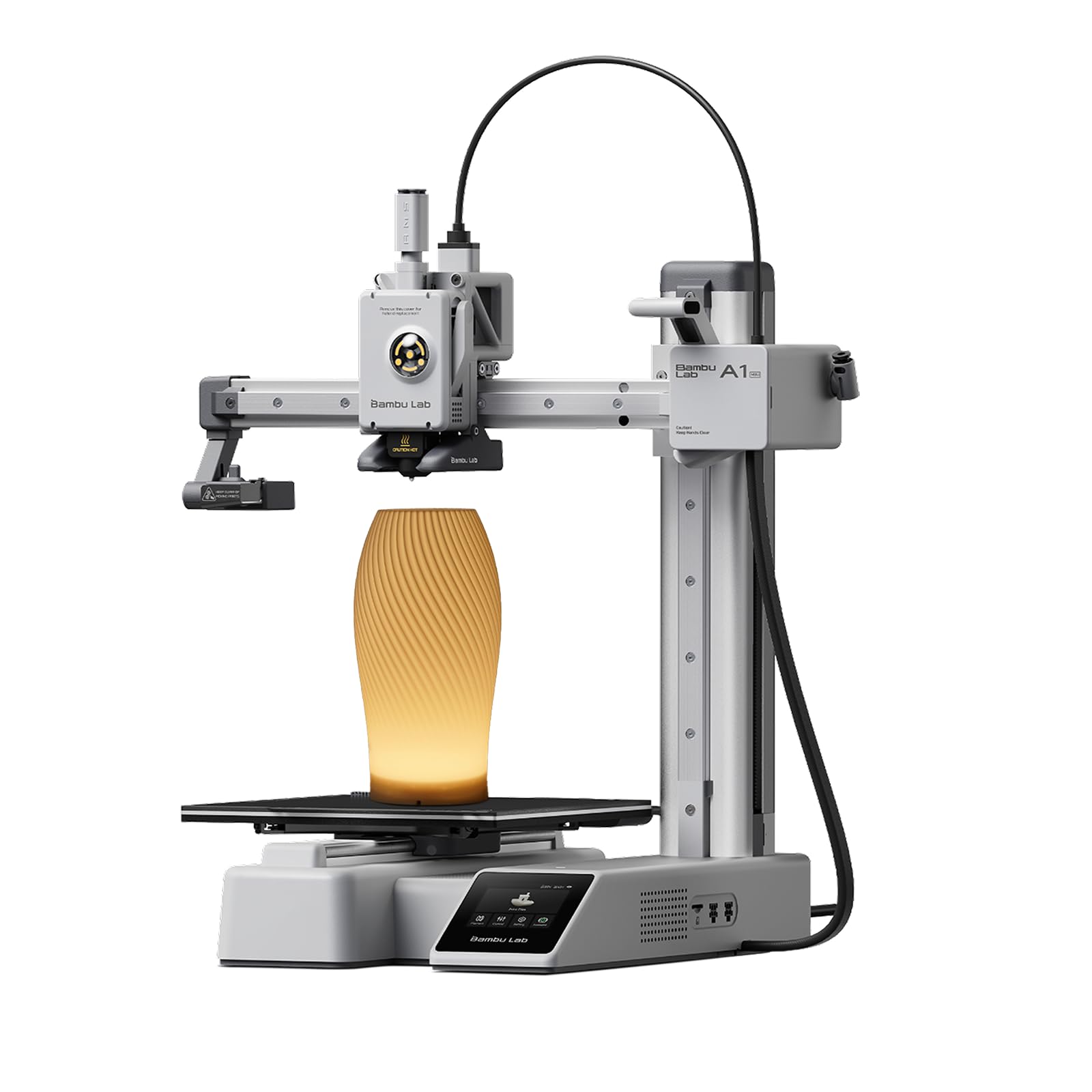
Best Midrange Pick: Bambu Lab A1
The Bambu Lab A1 is the printer most beginners should consider first, at around $300. It is built around automation: you take it out of the box, run the calibration and start printing with very little tuning.
Its standout strengths are full automatic calibration, including bed leveling and Z offset, and active flow rate compensation that adjusts extrusion for smoother results. It is also quiet and has a one clip quick swap nozzle, and it can print in multiple colors when paired with the optional AMS lite unit. The trade off is that the bed slinger design is open, so it is less suited to ABS and similar materials than an enclosed printer. Skip it if you need an enclosure for fumes or kids around the workshop.

Best Premium Pick: Bambu Lab P1S Combo
The P1S Combo is for beginners who already know they will print a lot or want engineering materials without upgrading later. It costs around $550 and includes the AMS unit for multi color and multi material printing.
Two features justify the price: a fully enclosed body that improves results with materials like ABS, ASA and PETG, and true high speed motion of up to 500 mm/s with 20,000 mm/s² acceleration. Bambu says setup takes about 15 minutes, and automatic bed leveling keeps first layers consistent. The drawback is cost and footprint; with the AMS on top, it needs a sturdy bench and more space than budget printers. Skip it if you only plan to print occasionally or have limited bench space.

What Your Money Gets You at Each Price Tier
Think of the price tiers as a trade between money and time. Price tiers in 3D printing are less about print quality, which has improved across the board, and more about how much time you spend tuning, fixing and babysitting the machine.
Budget Tier: What to Expect
Budget printers sell for around $180 to $260. At this level you can expect automatic or assisted bed leveling, a heated bed, a direct drive extruder and a build volume around 220 mm per side. Print quality on PLA is good enough for functional parts and models.
The trade offs are open frames, louder fans, fewer safety sensors and more occasional tuning. Some budget printers arrive partly assembled. They suit curious beginners, students and makers who want to learn the basics before investing more.
Expect to learn a little troubleshooting at this level. Cleaning the bed with isopropyl alcohol, drying filament and adjusting the first layer occasionally are normal parts of owning a budget printer, and they teach skills that carry over to any machine.
Assembly varies at this tier. Some printers ship almost fully built and need only the gantry attached, while kit style models ask you to assemble the frame. If you want to start printing the same day, choose a model described as pre assembled or ready to use.
Midrange Tier: The Sweet Spot for Most Buyers
Midrange printers cost around $280 to $450 and bring the biggest jump in ease of use. Fully automatic calibration, quieter motion, faster speeds and well designed apps mean more successful prints with less effort. Many offer optional multi color add ons.
This tier suits most beginners who want reliable results without learning every setting. The main limitation is that many are still open frame designs, which work best with PLA, PETG and TPU.
Speed is another midrange advantage. Modern CoreXY and well tuned bed slinger designs print the same part in a fraction of the time older budget printers needed, which matters when you are iterating on a jig or bracket.
Premium Tier: When Spending More Pays Off
Premium beginner printers start around $500 and can reach $1,000 or more. They add enclosures, higher speeds, larger build volumes, cameras for remote monitoring, filtration and multi color systems. Enclosures make engineering filaments like ABS and ASA much easier and keep curious hands away from hot parts.
Spending more pays off if you print daily, need tougher materials for shop parts or want multi color models. For occasional printing, the extra cost is hard to justify.
Premium machines also tend to have better resale value and longer software support, so the higher upfront cost is partly recovered if you upgrade later.
Features Worth Paying For (and Ones to Skip)
Not every feature listed on a box matters to a beginner. These are the ones that change your experience.
Build Volume
Build volume is the largest part a printer can make. Around 220 x 220 x 220 mm, common on budget and midrange models, covers most tool holders, organizers and household parts. Larger volumes around 250 mm or more help with helmets, big enclosures and long jigs, but they cost more and take longer to heat. Most beginners do not need to pay extra for a very large bed; you can split big models into parts.
Beginner Friendly Features That Matter
The features that matter most are automatic bed leveling, filament run out detection, power loss recovery and a clear touchscreen or app. Quick swap nozzles make clogs a minor inconvenience instead of a project. Large online model libraries and good slicing software with beginner profiles save hours of trial and error.
Features to skip at first include exotic high temperature hotends and advanced input shaping menus. Fancy features matter less than a printer that works reliably out of the box.
Ease of Setup and Calibration
Setup used to mean hours of assembly and manual bed leveling with a sheet of paper. Today, the best beginner printers arrive mostly assembled and calibrate themselves. Look for listings that describe full automatic leveling, Z offset calibration and flow or vibration compensation.
Automatic calibration is worth paying for. It is the single biggest factor in whether a beginner keeps printing or gives up after a few failed first layers.
Software and Model Libraries
The slicer is the program that turns a 3D model into printer instructions, and a good one matters as much as the hardware. Beginner friendly slicers include ready made profiles for each material, so you can choose PLA and press print instead of adjusting dozens of temperatures and speeds. Some brands connect the printer to an app with a large model library, which lets you print useful items before you ever learn to design.
Check that the printer works with popular free slicers too. Open file support gives you more options later, when you want to experiment with settings or use models from other sites.
Safety and Workspace
FDM printers have a hot nozzle that can exceed 200°C and a heated bed, so keep them out of reach of small children and pets. Enclosed printers add a physical barrier and contain some of the fumes from materials like ABS. PLA is the most beginner friendly material because it prints at lower temperatures with mild odor.
Place the printer on a stable surface in a ventilated room, away from curtains and clutter. Never leave a new printer running unattended for long prints until you trust it, and follow the maker's guidance on ventilation and materials.
Printer Type (FDM Filament vs Resin)
FDM printers melt plastic filament and build parts layer by layer. They are the best choice for beginners making functional parts, tools and household items, and the materials are safe and easy to handle. Resin printers cure liquid resin with light and produce extremely fine detail for miniatures and jewelry.
Resin requires gloves, ventilation and careful cleanup with alcohol, so it is less beginner friendly. Most workshop users should start with FDM and add resin later if they need fine detail.
Taken together, these features explain why the best 3d printers for beginners are not always the cheapest ones. A printer that calibrates itself and comes with good software saves you more frustration than a slightly larger bed or a higher top speed ever will.
Long Term Costs to Factor In
The printer is only the start. PLA filament costs around $15 to $25 per kilogram spool, and a beginner might use one spool a month. Nozzles, build plates and PTFE tubes wear over time and cost a few dollars to replace. Electricity use is modest, roughly similar to running a small appliance during prints. Multi color systems add waste from purging, which raises filament use.
Warranty and support matter too. Brands with active communities, available spare parts and responsive support keep a printer running for years. Budget for a small toolkit, spare nozzles and a dry box if you live in a humid area, since damp filament prints poorly.
Filament choice affects cost too. PLA is the cheapest and easiest; PETG costs a little more and makes tougher, more heat resistant parts for the garage; TPU is flexible and great for grips and bumpers. Start with PLA and add other materials as your projects demand them.
FAQs
What makes 3D printers for beginners different?
3D printers for beginners focus on ease of use rather than maximum performance. They usually arrive mostly assembled, level their beds automatically, recover from power loss and come with beginner friendly software profiles. Many also have quick swap nozzles and clear touchscreens. The goal is a high success rate on the first prints so new users can learn without constant troubleshooting.
Which 3D printer is easiest for beginners?
The easiest printers are those with full automatic calibration and good software, such as the Bambu Lab A1. You unbox it, run calibration and start printing from a large model library with minimal setup. Enclosed models like the P1S are equally easy and add safety and material flexibility, but they cost more.
Is FDM or resin printing cheaper long term?
FDM printing is usually cheaper long term for beginners. Filament costs less per part, needs no special cleaning supplies and produces less waste. Resin costs more per liter, requires isopropyl alcohol for cleaning and gloves for handling, and its screens and vats wear out. Resin wins only when you need very fine detail for small models.
What does cost per print mean?
Cost per print is the material and wear cost of a single part. For FDM, it is mostly the weight of filament used: a 50 gram PLA part from a $20 per kilogram spool costs about a dollar in material. Slicing software estimates filament weight before printing, which makes it easy to calculate. Add a small amount for electricity and wear on nozzles and plates.
Are multicolor 3D printers worth it?
Multicolor systems are worth it if you want decorative models, labels, signs or color coded parts. They add cost and create purge waste during color changes, and prints take longer. For functional workshop parts, a single color printer is simpler and cheaper. Many printers let you add a multicolor unit later, so you can start simple and upgrade.
Wrapping Up
The three factors that matter most for beginners are automatic calibration, a build volume that fits your projects and the right printer type for your materials. The Adventurer 5M is a capable starting point on a tight budget, the Bambu Lab A1 is the sweet spot for most buyers and the P1S Combo is the premium pick for heavy use and engineering filaments.
Whichever tier you choose, start with simple, practical prints such as hooks, bit holders and cable clips. Small wins build skills quickly, and you will soon know whether you need a bigger, faster or enclosed machine.
Compare these picks with the full product table above, think about the parts you want to print first and choose the tier that fits your plans. That approach will lead you to the best 3d printers for beginners for your workshop and budget.