Best 3D Printers: Our 2026 Checklist and Top 3 Picks
Disclosure: We may earn a commission when you buy through links on this page, at no extra cost to you. As an Amazon Associate I earn from qualifying purchases. Learn more

A practical checklist for choosing the best 3d printers, from printer type and build volume to calibration and running costs, plus three picks.
A 3D printer can turn a weekend project idea into a finished bracket, jig or replacement part by Sunday evening, but only if the machine is reliable enough to print without constant fiddling. The best 3d printers share a handful of traits that matter far more than headline speed claims, and this guide lays them out as a checklist you can use on any model.
Below you will find the criteria we use to judge 3D printers, what good and weak results look like for each, three picks that pass the checklist, a quick yes or no buyer checklist and the red flags that signal a frustrating machine.




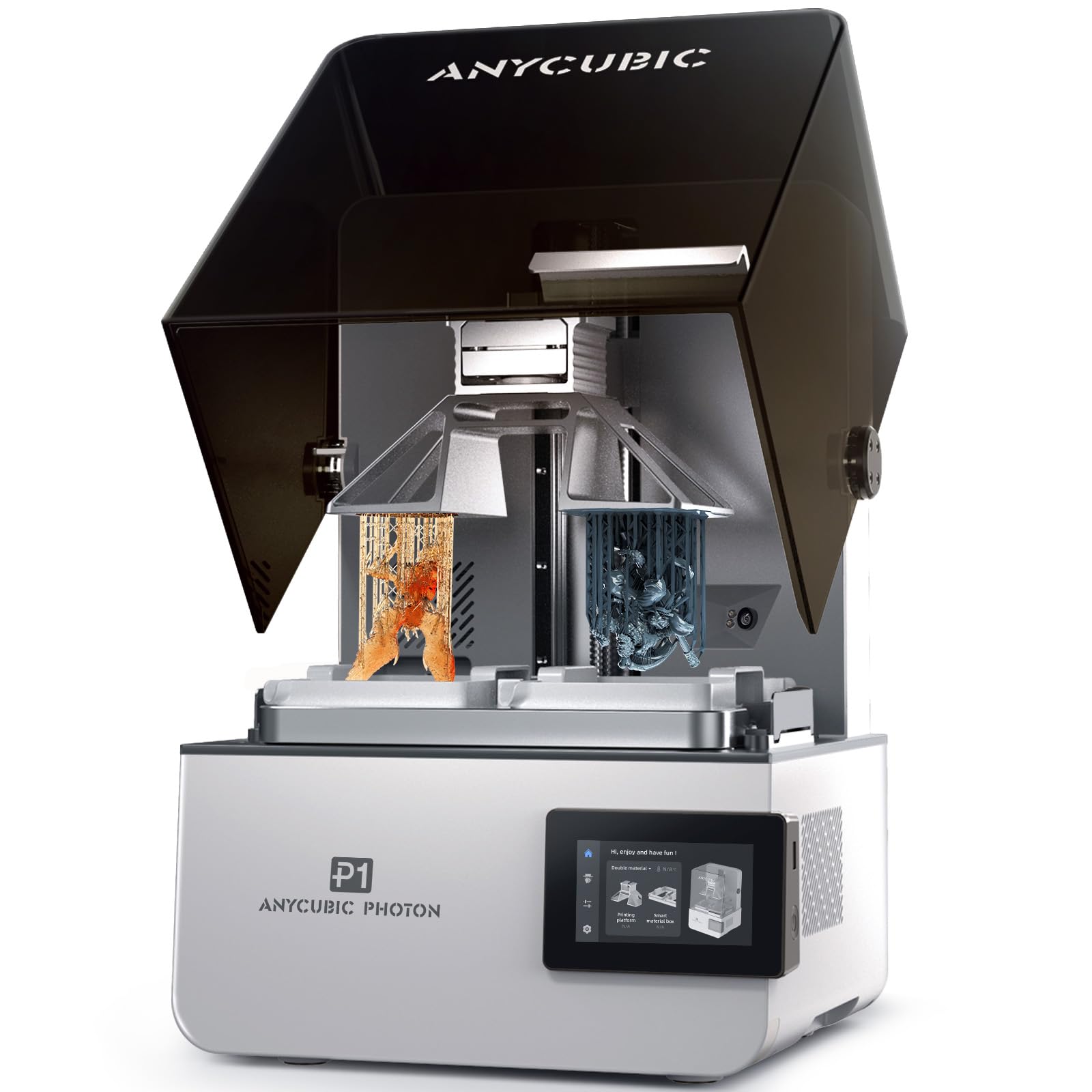

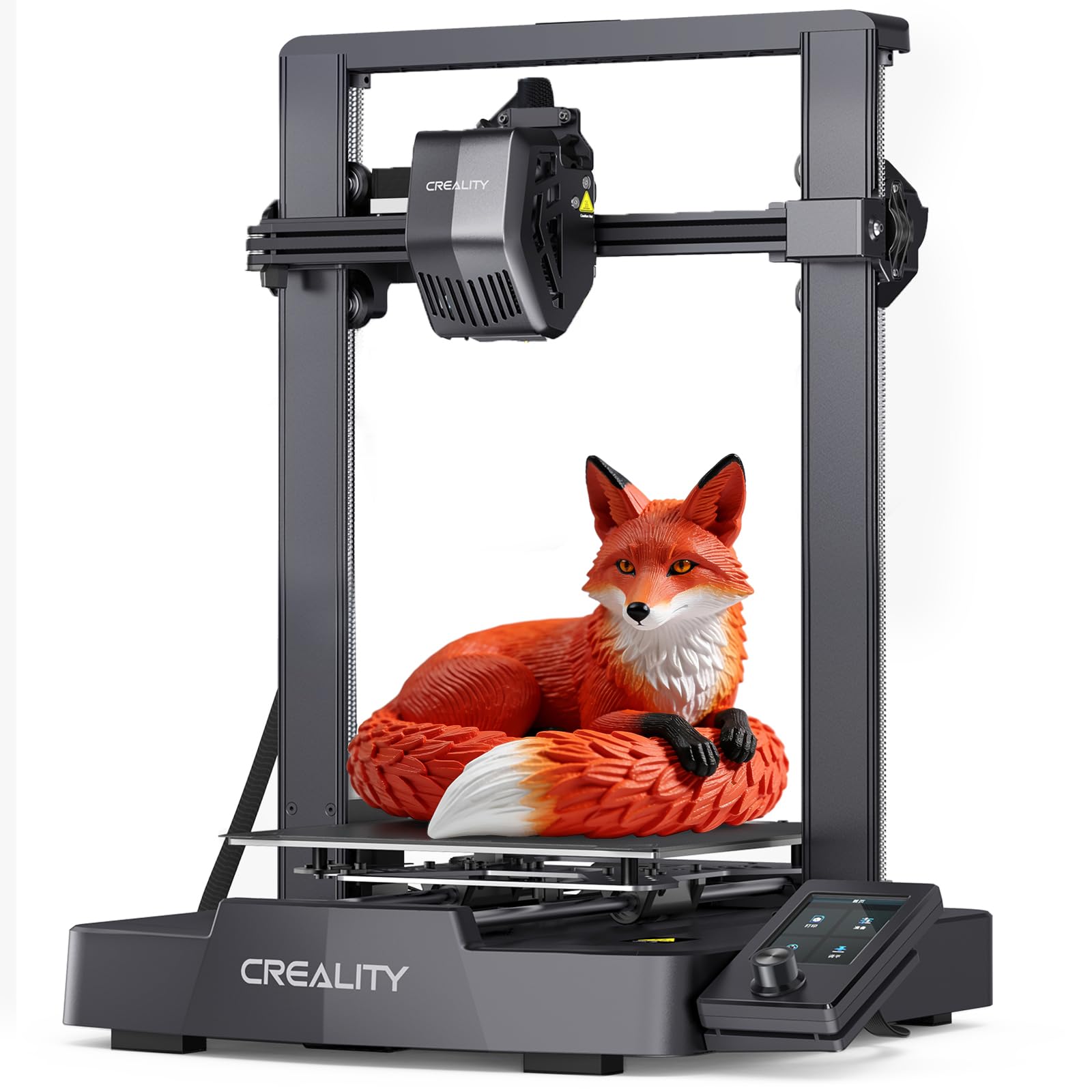

How We Evaluate 3D Printers
We judged printers on the same set of criteria, using manufacturer specifications, the details in each Amazon listing and patterns across large volumes of verified buyer feedback from makers and hobbyists. We did not run our own trials; instead we weighed each printer's design against what owners consistently report after months of use. Each criterion includes what a strong result looks like and the warning signs of a weak one.
Printer Type (FDM Filament vs Resin)
FDM printers melt plastic filament and build parts layer by layer. They are the right choice for functional parts, workshop jigs, tool holders and household fixes, and their materials are inexpensive and easy to handle. Resin printers cure liquid resin with light and deliver extremely fine detail for miniatures, dental models and jewelry, but they need gloves, ventilation and alcohol washing.
A strong match is FDM for practical shop work and resin only when fine detail is the goal. A weak choice is buying resin for large functional parts, where it is slower, messier and more brittle.
Build Volume
Build volume decides the largest single part you can print. Around 220 x 220 x 220 mm handles most tool holders, organizers and brackets. Larger beds around 300 mm or more suit helmets, enclosures and long jigs, while compact printers around 180 mm suit small parts and tight spaces.
Good printers list build volume clearly and keep print quality consistent across the whole bed. A weak sign is a large bed paired with a flimsy frame, which leads to wobble and uneven layers on tall parts.
Ease of Setup and Calibration
Setup used to mean hours of assembly and leveling the bed with a sheet of paper. The best modern printers arrive mostly assembled and calibrate automatically, including bed leveling and nozzle height. Some also tune vibration and flow automatically.
A strong result is a printer that produces a clean first print within an hour of unboxing. A weak one needs manual leveling, frequent first layer adjustments and community upgrades before it prints reliably.
Print Speed
Speed claims of 500 to 600 mm/s are common, but real speed depends on acceleration, cooling and frame rigidity. CoreXY designs and well tuned bed slingers with vibration compensation finish parts much faster than older printers without sacrificing quality.
A good printer keeps quality high at practical speeds and offers sensible profiles in its slicer. A weak printer advertises top speeds that only work on simple sample shapes and produces ringing or blobs on real parts.
Cost per Part and Filament Costs
Running cost is mostly filament. PLA typically costs around $15 to $25 per kilogram, so a 50 gram bracket costs about a dollar in material. Multi color systems add purge waste, and resin printing costs more per part once you add resin, alcohol and replacement films.
A strong printer works with standard 1.75 mm filament from any brand. A weak one locks you into proprietary spools or cartridges with higher prices.
Footprint and Noise
Consider bench space and where the printer will run. Enclosed printers take more room but contain heat, fumes and some noise, which makes them better for shared spaces. Open frame printers are smaller but louder and expose the hot nozzle.
Good printers include quiet modes and list noise levels; weak ones roar with loud fans on every print, which becomes a problem for long overnight jobs.
Print Quality and Resolution
For FDM, quality depends on layer height, extrusion consistency, cooling and frame stiffness more than any single number. Direct drive extruders handle flexible filaments better, and hardened nozzles handle abrasive materials. Resin printers list screen resolution such as 12K or 16K, which affects detail on small models.
A strong printer produces clean walls, accurate dimensions and smooth overhangs out of the box. A weak one needs extensive tuning to avoid stringing, warping or layer shifts.
Supported Materials and Hotend
The materials a printer can handle decide what parts you can make. PLA is easy for everyone, PETG makes tougher parts for garages and sheds, TPU prints flexible grips and bumpers, and ABS or ASA resist heat and sun. Hotends that reach around 280°C or more and hardened nozzles open the door to engineering and abrasive filaments.
A strong printer lists the materials it supports and offers easy nozzle swaps. A weak one supports only PLA reliably or makes nozzle changes a long disassembly job.
Reliability and Parts Support
Reliability shows up over months, not days. Look for brands that sell spare hotends, build plates, belts and fans, publish maintenance guides and update firmware. Large owner communities are a bonus, since common problems already have documented fixes.
A strong printer has a track record of consistent prints across many owners. A weak one shows repeated complaints about clogging, failed sensors or parts that are impossible to replace.
3 Picks That Pass Our Checklist
These three printers score well across the checklist and cover different needs and budgets among the best 3d printers on Amazon. Prices change often, so treat the figures as approximate.
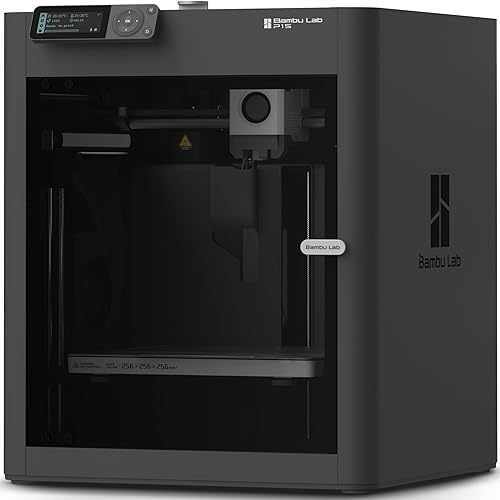
Bambu Lab P1S: Best Overall
The Bambu Lab P1S suits makers who want an enclosed, fast printer that handles more than just PLA, at around $400. It is a strong all rounder for workshop parts and household projects.
Two strengths stand out: a fully enclosed body that improves results with materials like ABS, ASA and PETG, and fast CoreXY motion with automatic bed leveling that keeps first layers consistent. Bambu says setup takes about 15 minutes, and the printer can add multi color printing with an optional AMS unit. The limitation is that multi color requires buying the AMS separately with this listing. Skip it if you only print small PLA parts once in a while.
For a workshop, the enclosure also keeps dust off the build plate and reduces drafts from open garage doors, which helps tall parts print without warping.
Creality K1C: Best Value
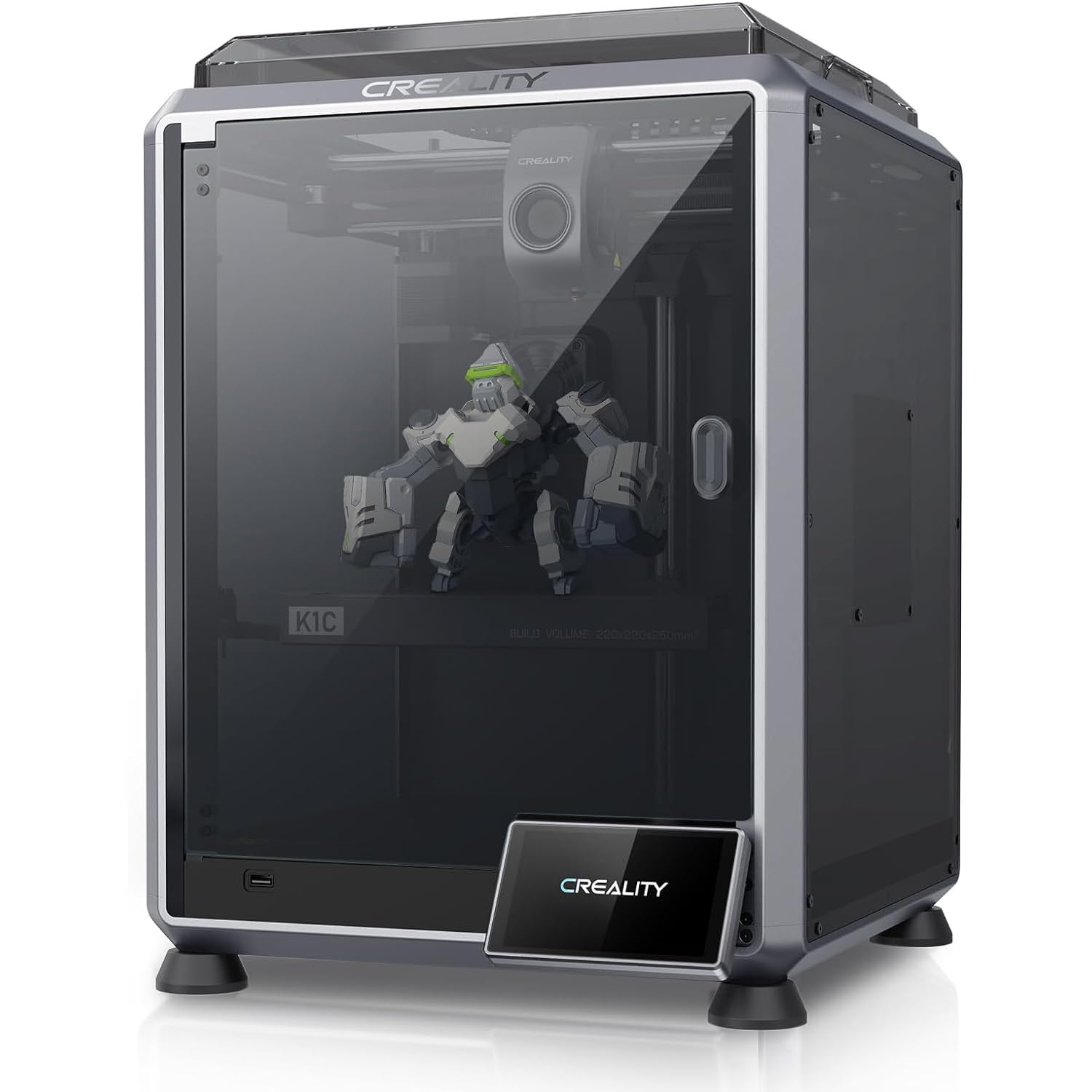
The Creality K1C delivers fast CoreXY printing with smart features at around $400 and has a very large base of owner reviews. It suits hobbyists who want speed and monitoring without premium pricing.
Its strengths are speeds up to 600 mm/s according to Creality and an AI camera that helps you keep an eye on prints, plus automatic leveling for easy setup. The trade off is that Creality's ecosystem and software are less polished than some rivals, so expect a little more tuning. Skip it if you want the most plug and play experience possible.
Its camera is especially handy for long prints, since you can spot a failed first layer or spaghetti early instead of discovering it hours later.

Bambu Lab A1 mini: Best Compact Pick
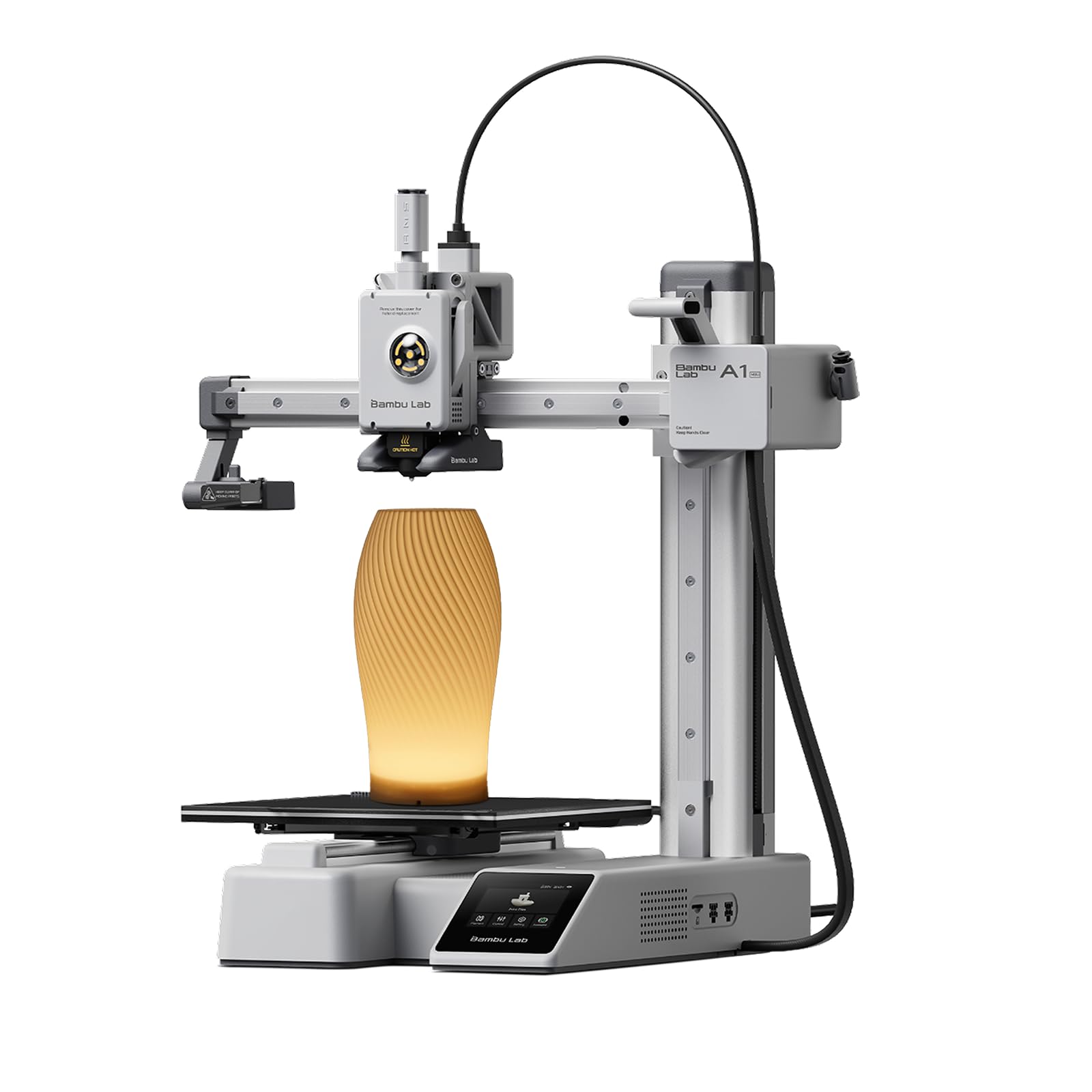
The A1 mini is a small, ready to use printer for tight spaces, desks and beginners, at around $250 with an LED lamp kit in this bundle. It suits small parts, miniatures and gifts.
Its main strengths are a compact footprint that fits on a shelf or desk and Bambu's beginner friendly software with automatic calibration. The drawback is build volume: larger brackets and enclosures need to be split into parts. Skip it if you regularly print big pieces.
Its small size also makes it easy to move between a desk, a classroom and a workshop, which suits families who share one printer.

Quick Buyer Checklist
Answer these questions before choosing a 3D printer. Several no answers mean you should keep looking.
- Does the printer type match your projects: FDM for functional parts, resin for fine detail?
- Is the build volume big enough for your largest regular part?
- Does it calibrate automatically, including bed leveling?
- Does it accept standard 1.75 mm filament from any brand?
- Will it fit your bench space and noise tolerance, enclosed or open?
- Are spare nozzles, build plates and parts easy to buy?
- Does the slicer software include ready made profiles for common materials?
- Do you have a ventilated spot away from children and pets?
Red Flags to Watch For
- Vague specs: no clear build volume, nozzle temperature or supported materials.
- Proprietary consumables: chipped spools or cartridges that block third party filament.
- Manual everything: no automatic leveling on a printer marketed to beginners.
- Missing parts support: no spare nozzles, hotends or plates sold by the brand.
- Unusual review patterns: a brand new model with only short, glowing reviews and no detailed owner feedback.
Be cautious with bundles that pad the box with cheap extras instead of a better printer. A spool of filament is useful, but a dozen low quality tools add little value.
Short warranties and slow support responses are also worth noting, since even good printers occasionally need a part replaced.
If a printer passes most of the checklist but fails one item, decide how much that item matters to you. A small build volume is fine for miniatures, while loud fans are a deal breaker for an apartment printer that runs overnight.
Tips to Get the Most From Your 3D Printer
- Keep filament dry in a sealed box with desiccant, since damp filament causes stringing and weak parts.
- Clean the build plate with isopropyl alcohol to keep first layers sticking well.
- Update firmware and slicer profiles, which often improve speed and quality.
- Start with proven models from online libraries before printing your own designs.
- Check belts and lubricate rods or rails as the manual recommends every few months.
- Watch the first layer of every new print, since most failures start there.
Frequently Asked Questions
Are enclosed 3D printers worth it?
Enclosed 3D printers are worth it if you plan to print ABS, ASA or other heat sensitive materials, or if the printer will sit in a shared space. The enclosure holds heat for better layer bonding, reduces drafts and contains some fumes and noise. For PLA only, an open printer works well and costs less.
Is resin printing worth it for a workshop?
Resin printing is worth it only when you need very fine detail, such as small figures, dental models or jewelry. For workshop parts, FDM is cheaper, cleaner and stronger. Resin requires gloves, ventilation, alcohol washing and UV curing, which adds time and cost to every print.
Which 3D printer is easiest for beginners?
Printers with full automatic calibration and good software, such as the Bambu Lab A1 mini and P1S, are the easiest for beginners. You can go from unboxing to printing in under an hour with ready made profiles and a large model library.
What does cost per part mean?
Cost per part is the material and wear cost of one print. For FDM, it mostly equals the filament weight used: a 100 gram part from a $20 spool costs about $2. Slicers estimate filament use before printing, so you can price parts accurately.
Our Verdict
Printer type, calibration and build volume matter most. The Bambu Lab P1S is the best overall choice for enclosed, fast and versatile printing, the Creality K1C offers strong speed and monitoring for the money and the Bambu Lab A1 mini is the compact pick for small spaces and small parts.
Compare these against the full product table above and run through the checklist, and you will find the best 3d printers for your workshop and projects.