
Best Affordable 3D Printers: Which One Fits the Way You Use It?
Disclosure: We may earn a commission when you buy through links on this page, at no extra cost to you. As an Amazon Associate I earn from qualifying purchases. Learn more

How to choose among the best affordable 3D printers by use case, with features, running costs and buying mistakes explained.
There is no single 3D printer that suits everyone, even on a budget. A parent printing school projects, a hobbyist fixing broken household parts and a tabletop gamer painting miniatures all need different machines. The best affordable 3d printers today deliver features that cost far more a few years ago, such as automatic bed leveling and fast CoreXY motion, so the real question is which trade offs fit the way you will use one.
This guide matches budget 3D printers to common use cases, explains the features that matter most and covers mistakes to avoid. Compare current options in the product table above.
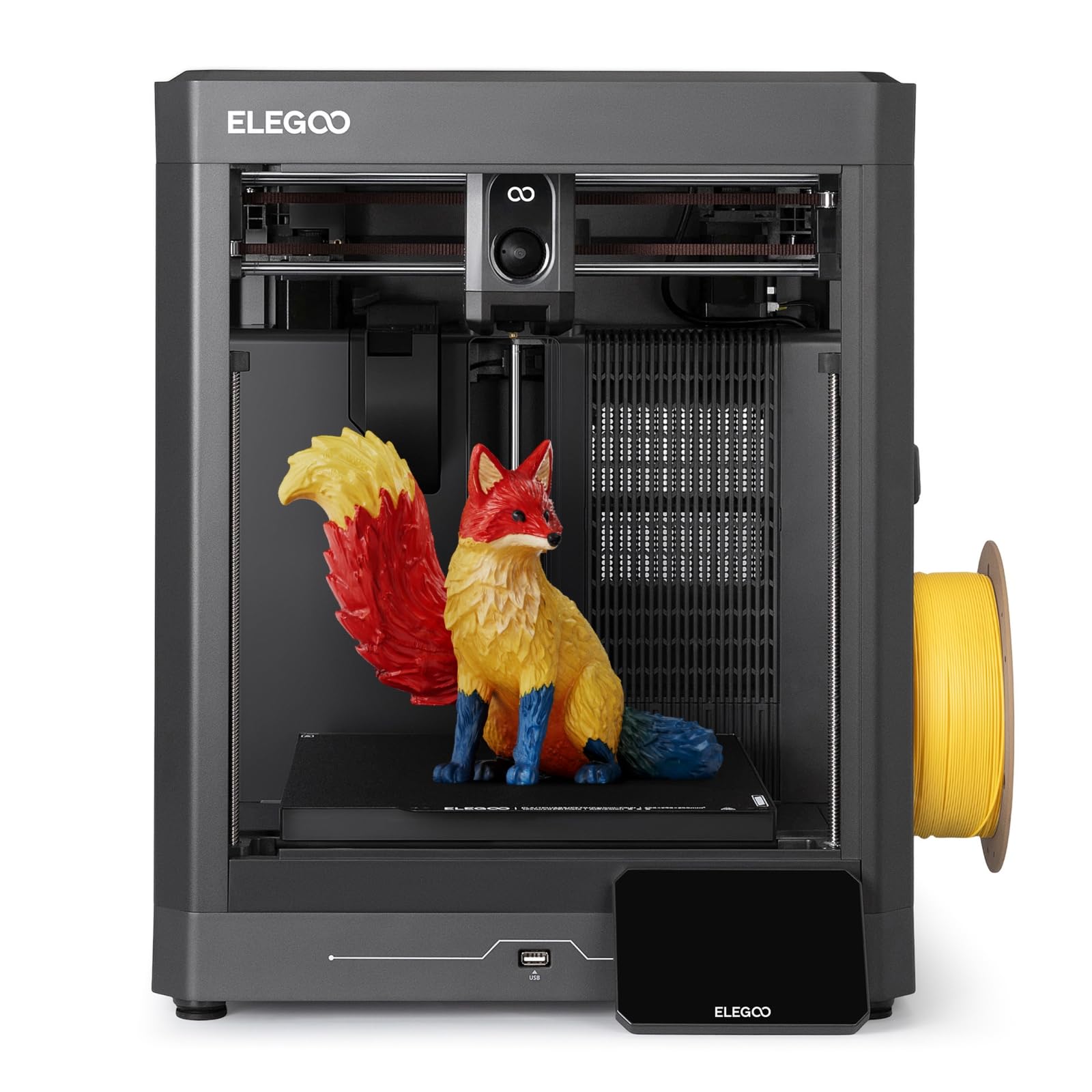
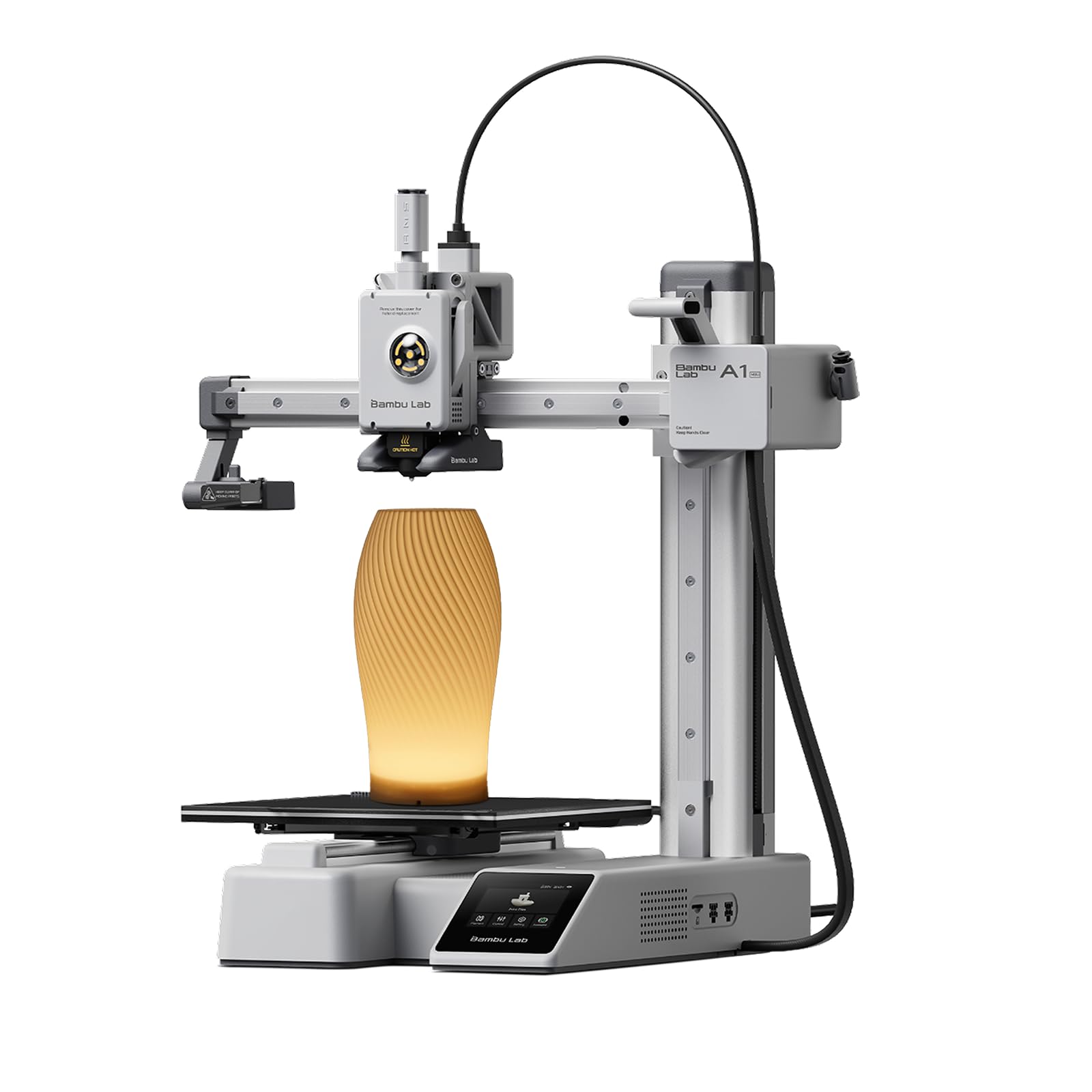



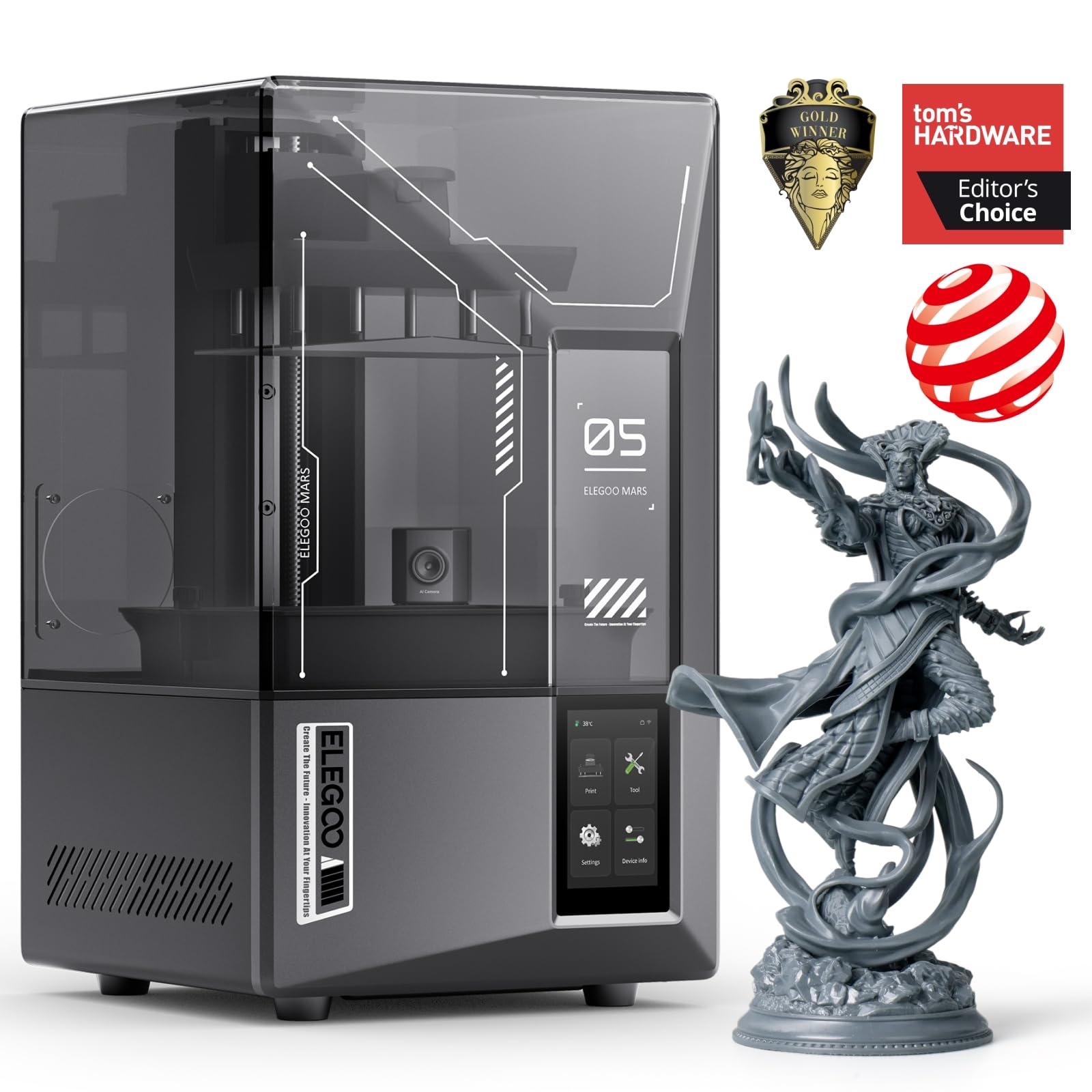

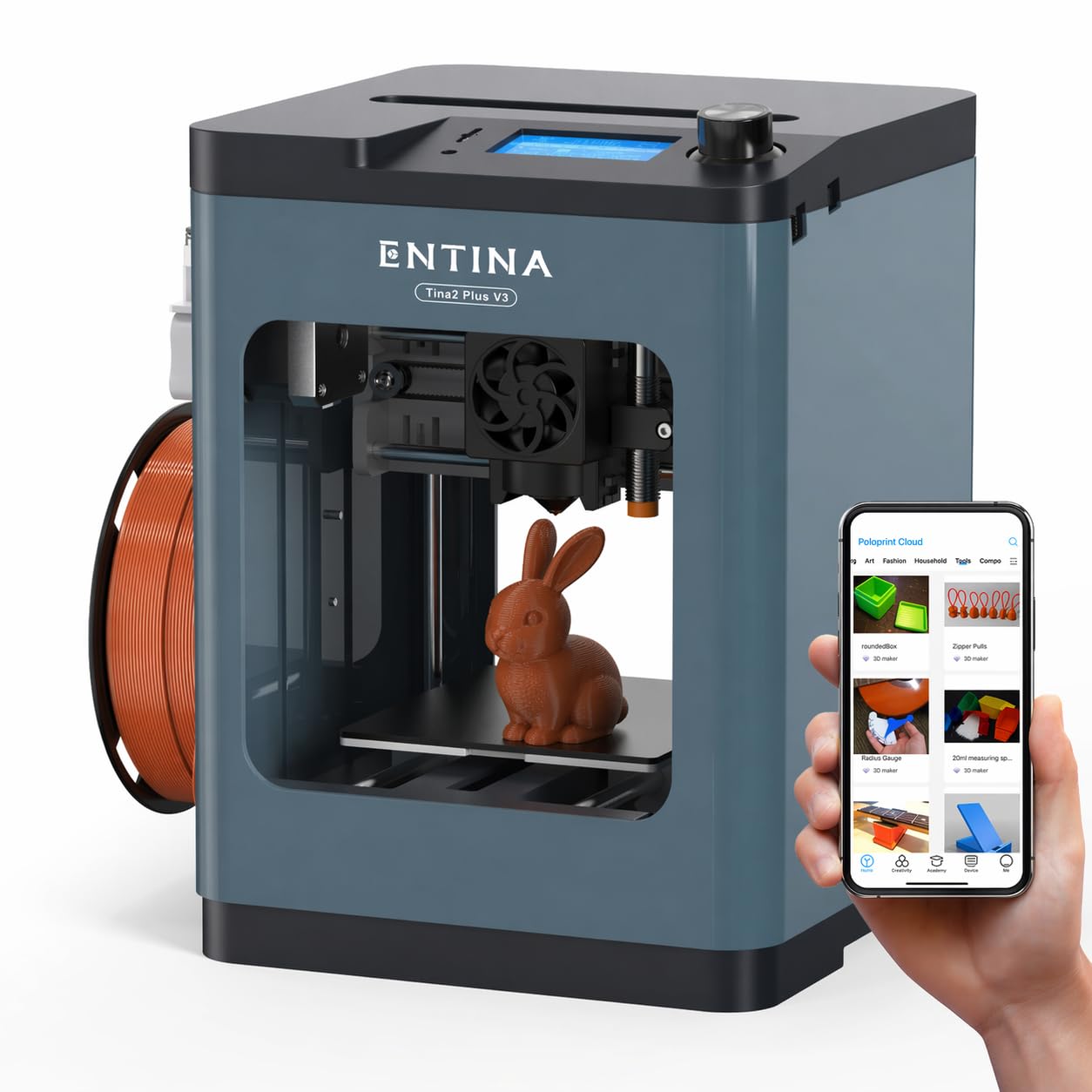
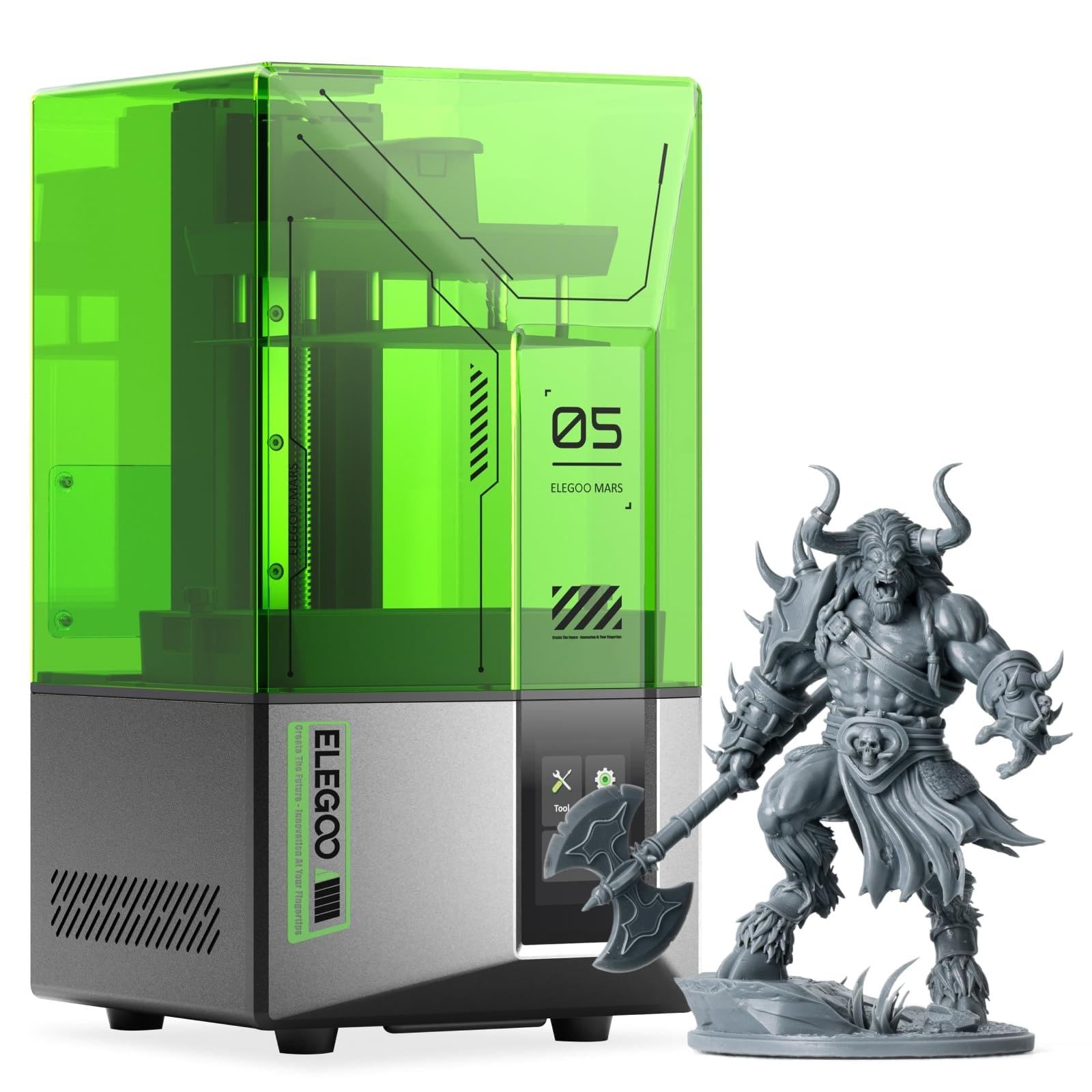

Who Should Buy Which Affordable 3D Printers?
The right affordable 3D printer depends on what you plan to make. Here is how needs differ by user type.
For Students and Families
Students and families should choose an enclosed or compact FDM printer with automatic bed leveling and app based slicing. These features remove the fiddly calibration that frustrates first time users and let kids start printing within an hour of unboxing. PLA filament is the safest and easiest material for home use, and a printer with a removable flexible build plate makes popping prints off simple. Expect to spend around $200 to $300. Small build volumes of about 180 mm per side are fine for keychains, toys and school models, and models in this class are often quieter than older open frame designs.
For Makers and Home Repair
Makers who print functional parts, such as brackets, hooks, replacement knobs and tool organizers, should prioritize a larger build volume (around 220 to 256 mm per side), a direct drive extruder and a nozzle that reaches at least 280°C. Those specs let you print tougher materials like PETG and TPU, which hold up better than PLA in garages and workshops. CoreXY printers in the $250 to $400 range print quickly and handle long jobs reliably. A sturdy frame matters more than headline speed when you print parts that must fit precisely.
For Miniatures, Jewelry and Cosplay Detail
For fine detail, such as tabletop miniatures, jewelry masters and small cosplay props, a resin (MSLA) printer is the better budget choice. Resin printers around $230 to $300 with high resolution LCD screens produce smooth surfaces that FDM printers cannot match at this price. The trade off is messier post processing: you need gloves, isopropyl alcohol or a wash station, a UV curing light and good ventilation. Build volumes are also smaller, so large cosplay armor still suits FDM better.
For Small Spaces and Shared Rooms
If your printer will live in an apartment, bedroom or shared office, choose a compact or enclosed model. Enclosures reduce noise, keep out dust and pets and help with drafts that cause warping. Some budget machines now include air filters, which helps reduce odors from heated plastic. Look for quiet stepper drivers and a footprint that fits a sturdy desk or shelf.
Key Features to Compare
These are the features that make the biggest difference in daily use on a budget 3D printer.
Filament Costs and Cost per Print
Running costs for FDM printers are low. A standard 1 kg spool of PLA typically costs around $15 to $25 and can produce dozens of small prints, so a phone stand or hook often costs well under a dollar in plastic. Resin costs more, roughly $25 to $40 per liter, and you also need cleaning alcohol and gloves. Multi color systems waste some filament during color changes, which adds cost. Check whether a printer accepts third party filament spools, since proprietary spools raise long term costs.
Ease of Setup and Calibration
Automatic bed leveling is the single most important convenience feature for affordable 3D printers. It measures the build plate and compensates for small variations, preventing the most common cause of failed first layers. Many current budget printers also auto calibrate flow and vibration, arrive mostly assembled and connect to phone apps or cloud slicers. Older kit style printers cost less but can take hours to assemble and tune.
Printer Type: FDM vs Resin
FDM printers melt plastic filament and build parts layer by layer. They are the most versatile choice for functional parts, larger objects and beginners. Within FDM, bed slinger designs move the build plate back and forth and are inexpensive, while CoreXY designs keep the bed moving only vertically and print faster with fewer vibrations. Resin printers cure liquid resin with UV light and excel at fine detail and smooth surfaces, but require more cleanup and ventilation.
What You Can Realistically Get on a Budget
Around $200 to $250, expect a compact or mid size FDM printer with automatic leveling, a removable PEI plate and good PLA results. Around $300 to $400, expect CoreXY speed, larger build volumes, enclosures or multi color add ons. Budget printers usually cut back on build size, enclosure, filament sensors, cameras and high temperature materials like nylon and carbon fiber blends. Do not cut corners on bed leveling, a reliable extruder and a printer brand with active firmware updates and available spare parts.
Build Volume and Materials
Build volume limits the largest single part you can print. Compact printers with around 180 mm per side are fine for small items, while 220 to 256 mm is the sweet spot for most home users. Check the maximum nozzle and bed temperatures: about 220°C handles PLA, 250°C handles PETG, and 280°C or more opens up TPU and some engineering filaments.
Speed and Print Quality
Advertised speeds of 500 to 600 mm/s on budget CoreXY printers are peak figures for travel and simple infill; real prints run slower on outer walls to keep surfaces clean. Input shaping and vibration compensation, now common on affordable models, are what allow higher speeds without ringing artifacts. For quality, layer heights of 0.2 mm are standard for everyday prints and 0.1 to 0.12 mm for fine detail, at the cost of longer print times. A stable frame and a well tuned profile matter more than the top speed on the box.
Software, Connectivity and Safety
Good slicer software makes a budget printer far easier to live with. Look for a maintained slicer with ready made profiles, WiFi or cloud printing and a phone app that shows progress. A filament runout sensor pauses prints when a spool empties, and power loss recovery resumes after an outage. Thermal runaway protection, which shuts down heaters if a temperature sensor fails, is an essential safety feature on any printer you buy.
Common Mistakes to Avoid When Buying Affordable 3D Printers
Most buyer regret comes from a handful of avoidable mistakes.
- Choosing on price alone: a $150 kit that takes a weekend to assemble and tune can cost more in time and failed prints than a $250 printer that works out of the box.
- Ignoring filament and resin costs: proprietary materials or multi color waste can raise long term costs.
- Buying too small or too big: match build volume to the largest parts you actually plan to print.
- Skipping ventilation planning: resin printers and heated plastics produce fumes, so plan for airflow.
- Not checking support and parts: look for available nozzles, build plates and a warranty of at least one year.
Affordable 3D Printers Compared by Price Tier
Price tiers are the quickest way to narrow the list of affordable 3D printers, because each tier adds a predictable set of features.
- Under $200: open frame bed slinger printers and older designs. They can print well but often need more manual setup, and may lack automatic leveling or direct drive extruders.
- Around $200 to $300: compact and mid size printers with automatic leveling, PEI build plates, app control and reliable PLA and PETG printing. Entry resin printers with high resolution screens also sit here.
- Around $300 to $400: CoreXY speed, larger build areas, partial enclosures and optional four color filament systems.
- Around $400 to $600: fully enclosed machines with cameras, air filtration and support for engineering filaments; these overlap with mid range printers.
Most home users get the best balance in the $200 to $350 range, where the best affordable 3d printers include the automation that once defined premium machines.
What You Need Besides the Printer
Budget for a few accessories and supplies on top of the printer price, typically $40 to $80 to get started.
- Filament: one or two 1 kg spools of PLA to start, plus PETG for stronger parts.
- Cleaning supplies: isopropyl alcohol and lint free wipes for the build plate.
- Tools: flush cutters, a deburring tool, needle nose pliers and a spatula for removing prints.
- Storage: a dry box or sealed bags with desiccant to keep filament moisture free.
- Spare parts: extra nozzles and a spare build plate.
- For resin: nitrile gloves, safety glasses, a wash and cure station and a well ventilated space.
Tips to Get the Most From Your 3D Printer
A few simple habits keep a budget 3D printer running reliably.
- Clean the build plate with isopropyl alcohol before prints to remove skin oils that cause adhesion failures.
- Store filament in a sealed bag or dry box with desiccant, since moist filament prints stringy and weak.
- Start with the slicer's default profiles for your printer and filament before experimenting.
- Check and tighten belts, and keep firmware updated.
- Keep spare nozzles on hand; they are cheap and wear over time, especially with abrasive filaments.
- Level and clean the nozzle after any crash or clog, and run a small calibration cube when you change filament brands.
- Keep the printer on a solid, level surface away from drafts, which helps prevent warped corners on larger prints.
- Never leave a printer running unattended for long periods without a reliable setup and smoke detector nearby.
Frequently Asked Questions
What does cost per print mean for a 3D printer?
Cost per print is the material and energy cost of each object you make. For FDM printers, it is mainly the filament weight used, which the slicer estimates; at about $20 per kilogram, a 50 gram print costs roughly $1 in plastic. Electricity adds a few cents per hour. Resin prints cost more per gram and include cleaning supplies.
Which 3D printer is easiest for beginners?
The easiest 3D printers for beginners are compact or enclosed FDM models with automatic bed leveling, mostly assembled frames and phone or cloud slicing apps. They let you print sample files within an hour. Our guide to the best 3d printers for beginners covers this in more detail.
Are resin 3D printers worth it on a budget?
Resin printers are worth it if you mainly print small, highly detailed objects like miniatures or jewelry. They deliver much smoother surfaces than FDM at a similar price. They are less practical for large or functional parts, and they require gloves, alcohol washing, UV curing and good ventilation.
FDM or resin: which is cheaper long term?
FDM is cheaper long term for most people. PLA filament costs less per gram than resin, and FDM printing does not need alcohol, gloves or replacement resin vat films. Resin becomes cost effective only when its detail saves you from buying or outsourcing small, intricate parts.
How much should I spend on my first 3D printer?
Most first time buyers get the best value around $200 to $350. That range includes automatic leveling, reliable extruders and good software, which matter more than raw speed. Spending less often means more tinkering, while spending more mainly buys size, enclosures and multi color printing.
Final Thoughts
The three things that matter most in a budget 3D printer are automatic bed leveling, a build volume that fits your projects and a reliable brand with spare parts and active firmware. Families and students should choose compact, easy setup FDM printers; makers should look for CoreXY speed, direct drive and higher nozzle temperatures; and detail focused hobbyists should consider resin. Use this guide to narrow your needs, then check the product table above to compare the best affordable 3d printers available now. For more picks, see our best 3d printers guide and our best hobby 3d printers roundup.


