
Best Resin 3D Printers in 2026: Which Type Is Right for You?
Disclosure: We may earn a commission when you buy through links on this page, at no extra cost to you. As an Amazon Associate I earn from qualifying purchases. Learn more

How resin 3D printers compare with filament printers, who should buy one and how to choose by resolution, size and safety.
Resin 3D printers produce parts with detail that filament printers struggle to match: crisp facial features on tabletop miniatures, smooth surfaces on jewelry masters, fine text on dental and engineering models. Instead of melting plastic, they cure liquid photopolymer resin one thin layer at a time with UV light. The best resin 3d printers balance screen resolution, build volume and ease of use with a safe, manageable workflow for washing and curing prints.
This guide explains how resin printers compare with other 3D printing options, who should choose one and how to pick the right model. Compare current printers in the product table above.

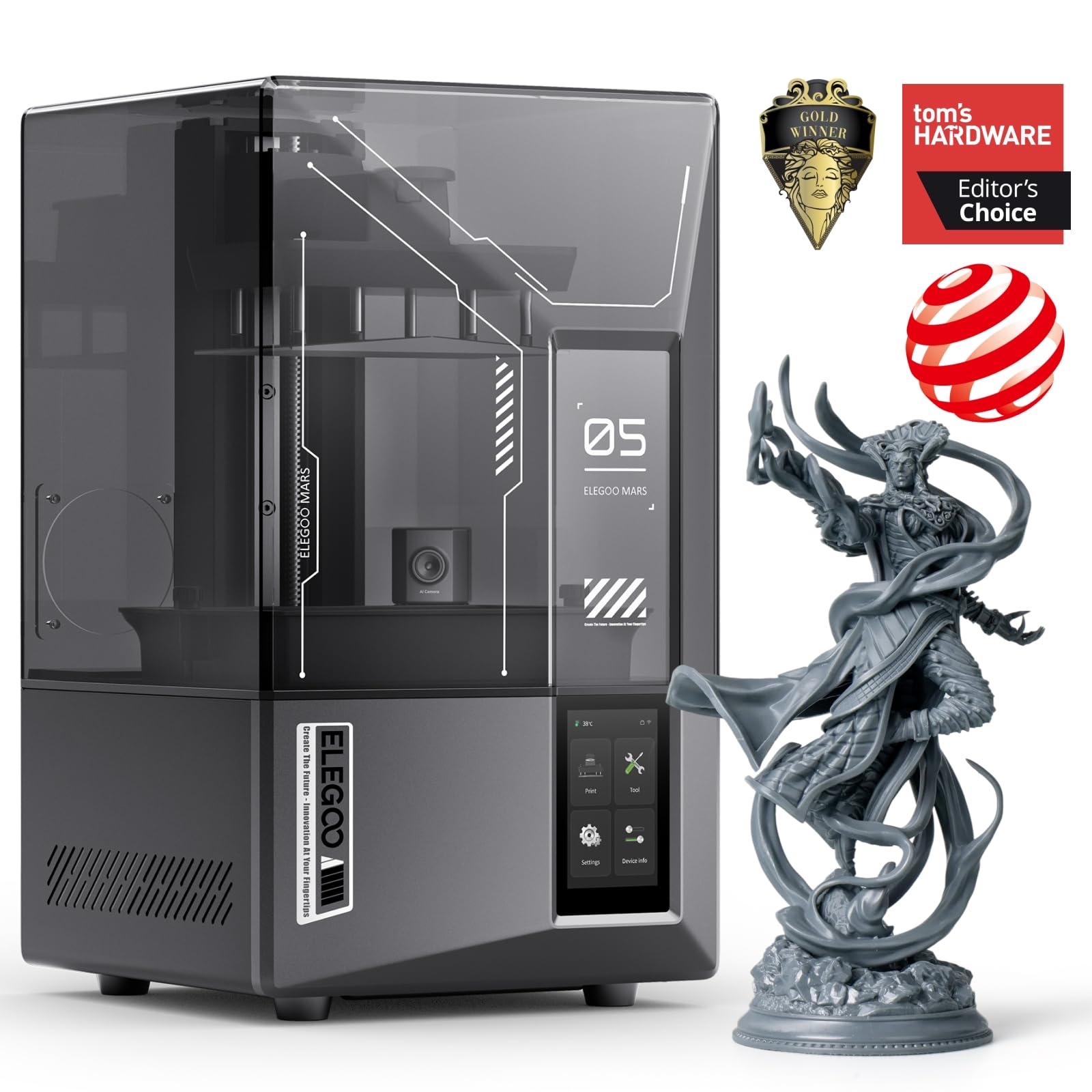


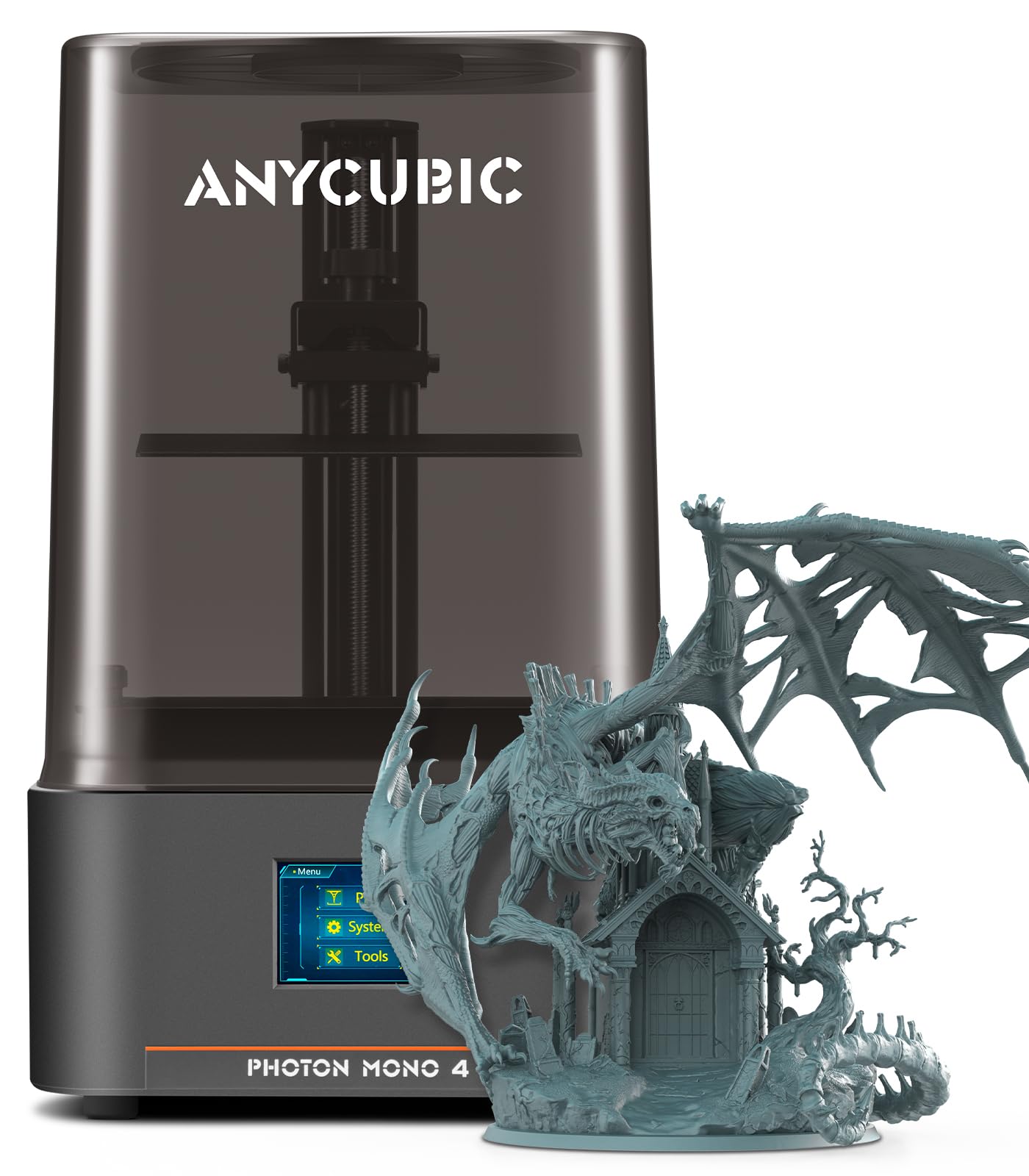

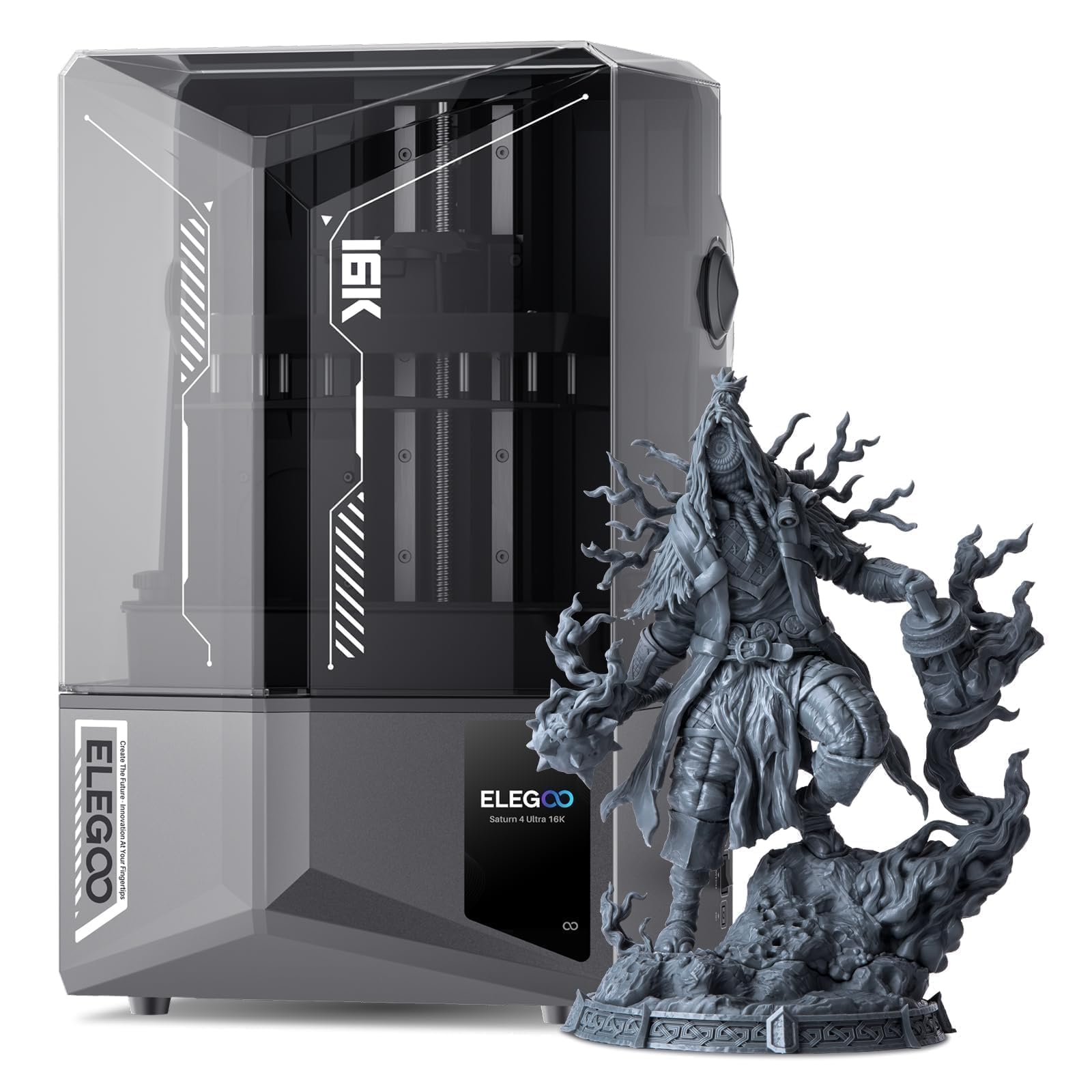
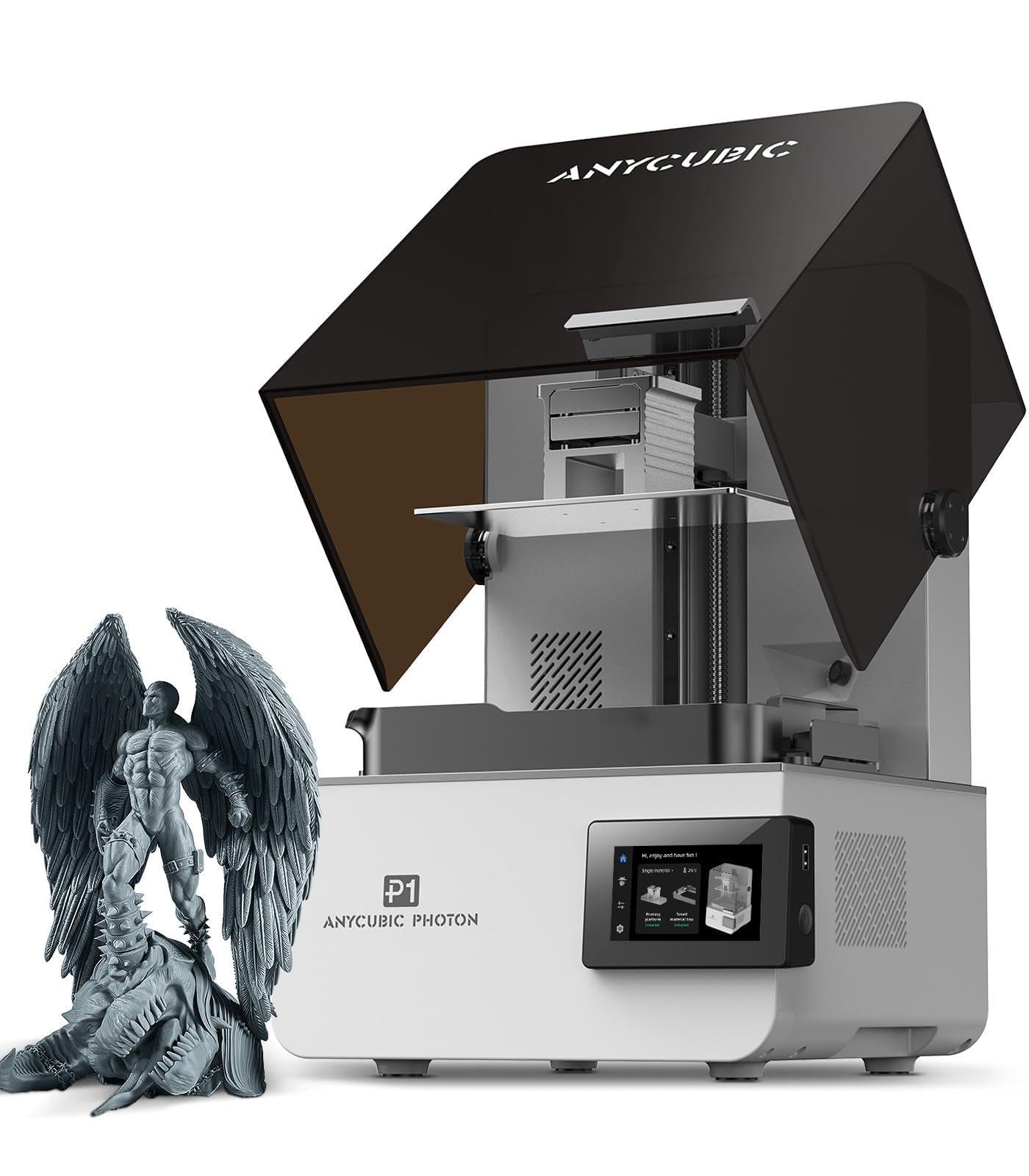
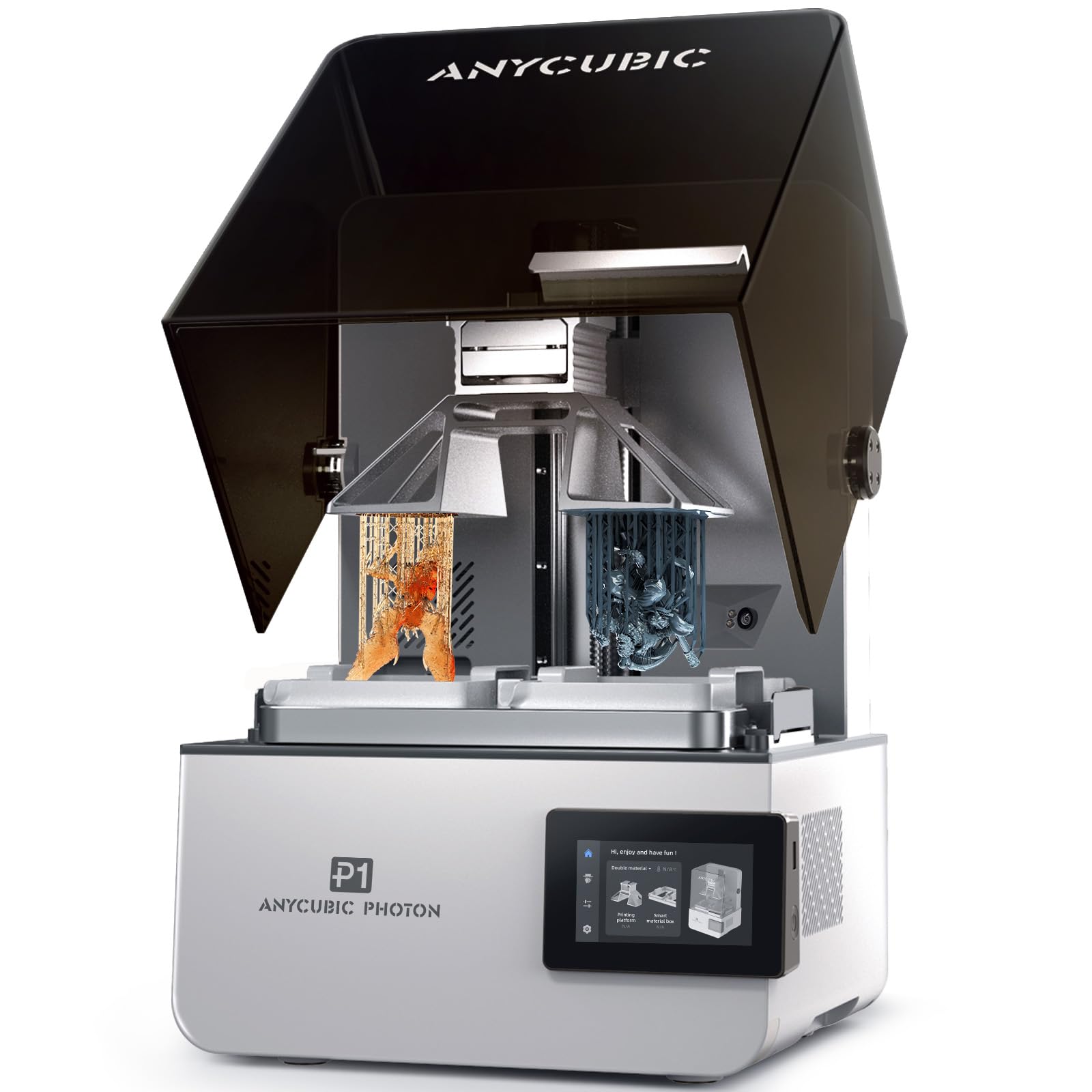
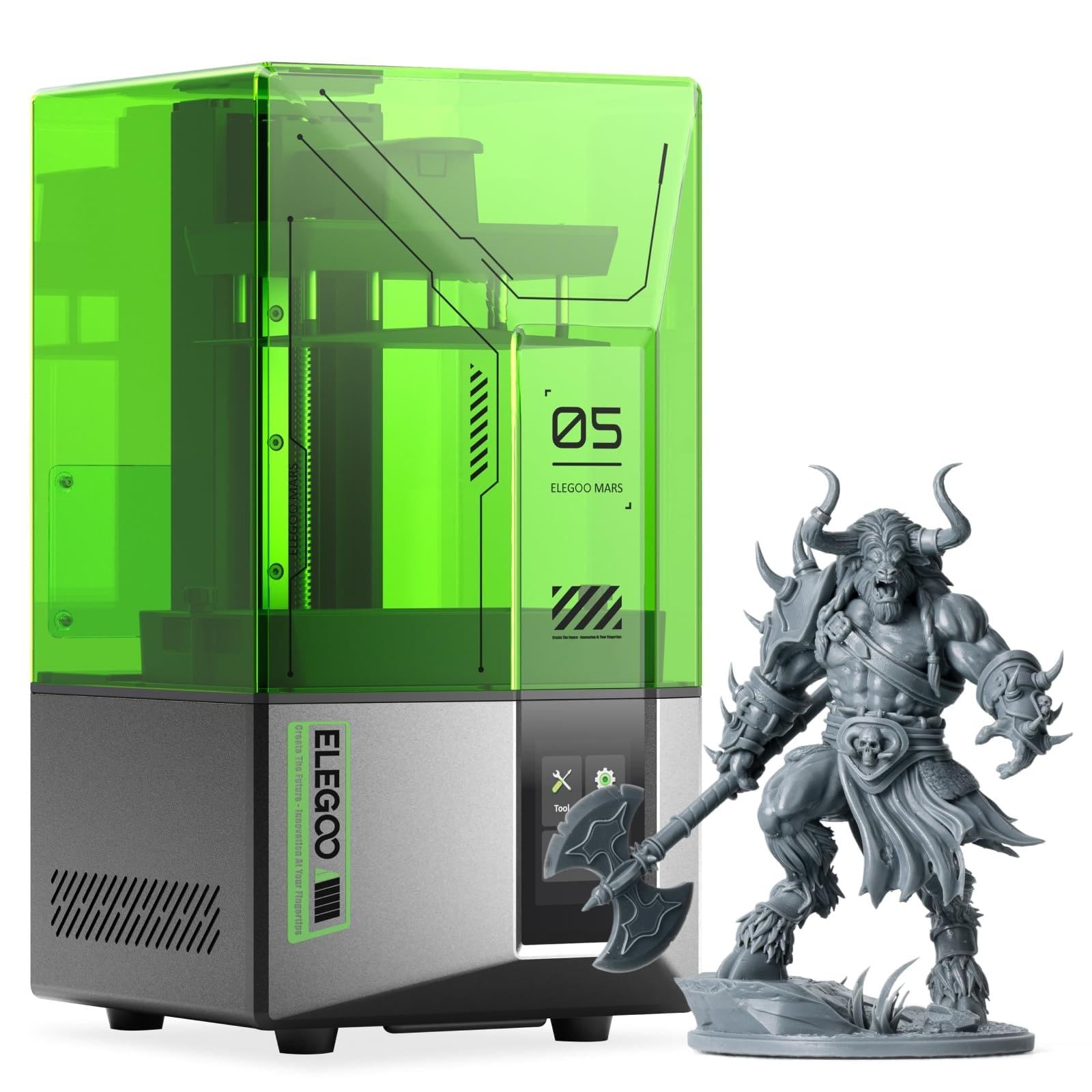

How Resin 3D Printers Compare to Other Options
Resin printers excel at fine detail and smooth surfaces, while filament (FDM) printers are better for larger, tougher and cheaper parts. Here is how the main options compare.
Resin 3D Printers vs FDM Filament Printers
FDM printers melt plastic filament and build parts in visible layers, usually 0.1 to 0.3mm thick. They are cheaper to run, easier to clean up and better for large functional parts like brackets, enclosures and cosplay armor. Resin printers cure layers as thin as 0.01 to 0.05mm and have very small XY pixel sizes, producing smoother surfaces and finer details. The trade off is a messier process with gloves, alcohol washing and UV curing, plus resin costs and fumes.
MSLA vs DLP vs Laser SLA Resin Printers
Most consumer resin printers are MSLA (masked stereolithography), using a monochrome LCD screen to mask UV light and cure a whole layer at once. They are affordable and fast. DLP printers use a digital projector for the same idea and appear in some professional machines. Laser SLA printers trace each layer with a laser, offering excellent accuracy at higher prices. For hobbyists, MSLA offers the best value.
Small vs Large Format Resin Printers
Compact printers with 7 inch screens suit miniatures, jewelry and small parts, while 10 to 14 inch screen printers can print larger busts, multiple miniatures at once and bigger props. Large printers use more resin per vat and take more space.
Who Should Choose Resin 3D Printers?
Resin 3D printers suit people who need fine detail more than size or strength.
- Tabletop gamers and miniature painters who want crisp details on 28 to 32mm figures.
- Jewelry makers creating masters for casting.
- Model makers and collectors printing busts, figures and scale models.
- Dental and engineering hobbyists who need accurate small parts.
- Cosplayers making detailed small props and accessories.
Resin printers are a poor fit if you mainly print large functional parts, have no ventilated space or prefer a low maintenance hobby. In that case, an FDM printer like those in our best 3d printers guide is a better choice.
How to Choose the Right Resin 3D Printer
The right resin printer matches your detail needs, print size and workspace. These are the factors to compare.
Screen Resolution and Print Quality
Screen resolution (8K, 10K, 12K, 16K) and XY pixel size determine how fine details appear. Smaller pixels, such as 14 to 22 microns, produce smoother curves and sharper details. Higher resolution matters most on larger screens, where the same pixel count spreads over a bigger area. For miniatures, a 10K or higher 7 inch screen is excellent.
Build Volume
Build volume determines the largest single part and how many parts fit per print. Since resin printers cure a whole layer at once, filling the plate with several miniatures takes about the same time as printing one. Choose a larger printer if you plan to print busts, terrain or batches.
Print Speed
Resin print speed depends on layer height and exposure time, and modern monochrome screens cure layers in a couple of seconds. Many printers advertise vertical speeds such as 70 to 150mm per hour with fast resins. Speed matters less than reliability for most hobbyists.
Ease of Setup and Calibration
Auto leveling build plates, resin level sensors, auto feeding, heated vats and failure detection cameras make printing easier and reduce failed prints. Beginners benefit most from auto leveling and good slicer software with automatic supports.
Resin Costs and Consumables
Standard resin costs roughly $25 to $40 per liter, with tough, water washable and specialty resins costing more. Other consumables include FEP or nFEP release films, isopropyl alcohol for washing, nitrile gloves, filters and replacement LCD screens, which wear over time.
Ventilation and Safety Features
Uncured resin can irritate skin and its fumes can bother some people. Look for printers with lids, carbon filters or air purifiers, and plan to print in a ventilated room away from living spaces. Always wear nitrile gloves and safety glasses when handling resin.
Resin Printing Workflow Step by Step
- Prepare the file: slice the model, orient it at an angle and add supports in the slicer.
- Prepare the printer: level the plate if needed, shake the resin bottle and fill the vat.
- Print: start the job and keep the lid closed to block outside UV light.
- Wash: remove the plate wearing gloves and wash parts in isopropyl alcohol or water for water washable resin.
- Remove supports: carefully clip or snap off supports while parts are still slightly soft.
- Cure: post cure parts under UV light or in a curing station until fully hardened.
- Clean up: filter resin back into the bottle, wipe the plate and cure any waste resin before disposal.
Choosing the Right Resin
The resin you choose affects detail, strength and cleanup as much as the printer does.
- Standard resin: affordable and detailed, but brittle; good for display models.
- ABS like and tough resins: more impact resistant, better for miniatures handled during games and functional clips.
- Water washable resin: cleans with water instead of alcohol, convenient but still needs careful disposal of wash water after curing.
- Plant based resins: lower odor options, though still requiring gloves and ventilation.
- Flexible resins: rubbery parts like gaskets and grips, often blended with standard resin.
- Castable and specialty resins: designed for jewelry casting, dental models or high temperature parts.
Common Resin Printing Problems and Fixes
- Print stuck to the FEP film, not the plate: re-level the plate, increase bottom layer exposure and clean the plate surface.
- Layer separation or splits: add more supports, lower lift speed and keep resin warm.
- Missing details: exposure is too short; run a calibration print and adjust.
- Bloated, soft details: exposure is too long; reduce normal layer exposure slightly.
- Cracks after curing: parts were over cured or not fully dry; dry parts completely and cure for shorter periods.
- Cupping and holes: hollow models need drain and vent holes so trapped resin can escape.
Accessories to Buy With Resin 3D Printers
Plan a small accessory budget alongside the best resin 3d printers, since a few tools make the process cleaner and safer.
- Nitrile gloves, safety glasses and a respirator rated for organic vapors if your space is poorly ventilated.
- A wash and cure station, or two containers of isopropyl alcohol and a UV lamp.
- Spare FEP or nFEP films and a plastic scraper.
- Silicone mats and paper towels to protect your work surface.
- Flush cutters and needle files for support removal and cleanup.
- Resin filters or funnels with mesh strainers for returning resin to the bottle.
Where to Set Up a Resin Printer
A good workspace makes resin printing safer and more reliable. Choose a garage, workshop or spare room with a window or exhaust fan, away from bedrooms, kitchens and areas where children or pets spend time. Keep the room temperature steady and protect the printer from direct sunlight, which can cure resin in the vat. A sturdy, level table covered with a silicone mat, plus a nearby shelf for alcohol, gloves and paper towels, keeps everything contained.
Resin 3D Printer Price Tiers
- Under $250: compact 7 inch 10K printers ideal for miniatures and small parts.
- $250 to $400: compact printers with higher resolution, better lighting and smart features.
- $400 to $700: larger 10 inch class printers with 12K to 16K screens, auto leveling and heated vats.
- Over $700: large format and professional printers for big parts and batch production.
Tips to Get the Most From Your Resin 3D Printer
Keep resin and the printer in a warm room, around 68°F to 77°F, since cold resin causes failed prints. Run an exposure calibration print with each new resin. Hollow larger models and add drain holes to save resin and reduce suction forces. Replace FEP films when they become cloudy or scratched. Use a wash and cure station to speed up post processing, and never pour liquid resin or alcohol with resin down the drain; cure it in sunlight first.
FAQs
How much does it cost to print with resin?
A typical 28mm miniature uses only a few milliliters of resin, often costing well under a dollar in resin. Larger prints cost more, and you should also budget for isopropyl alcohol, gloves, FEP films and occasional screen replacements.
Is resin or filament cheaper long term?
Filament printing is cheaper long term for most people, because filament costs less per gram and needs fewer consumables. Resin becomes worthwhile when you need fine detail that filament cannot match.
Which resin 3D printer is easiest for beginners?
Beginners do best with a compact MSLA printer that has auto leveling, a lid with a filter and good slicer software. A 7 inch 10K printer from an established brand keeps costs and resin use low while you learn.
Are resin 3D printers safe to use at home?
They can be used safely at home with precautions: print in a ventilated room, wear nitrile gloves and safety glasses, keep resin away from children and pets and cure waste before disposal. Avoid printing in bedrooms or kitchens.
Final Thoughts
Choose a compact 7 inch 10K or higher printer for miniatures and small parts, or a 10 inch class 12K to 16K printer for larger models and batch printing. Prioritize auto leveling, a vented lid and established brand support, and plan a safe, ventilated workspace. With the right setup, the best resin 3d printers will produce stunning detail that brings your models to life. Compare current printers in the product table above.


