
Best Bluetooth OBD2 Scanner Buying Guide for 2026
Disclosure: We may earn a commission when you buy through links on this page, at no extra cost to you. As an Amazon Associate I earn from qualifying purchases. Learn more

Choose the best bluetooth obd2 scanner for your phone and car by comparing Bluetooth type, app costs, live data speed, extra systems and battery drain.
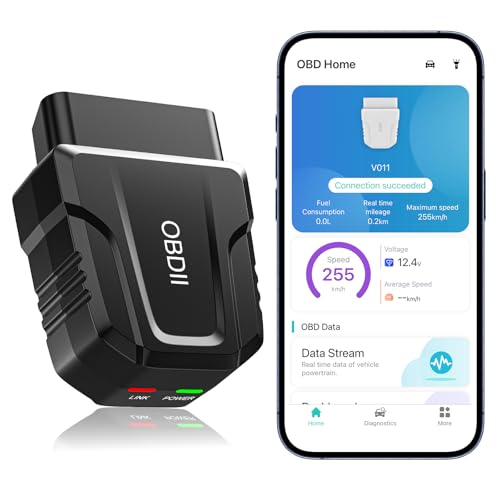
A Bluetooth OBD2 scanner turns your phone into a diagnostic screen for the car you already own. You plug a small adapter into the port under the dash, pair it with an app, and read the codes behind a check engine light instead of guessing or paying a shop for a first look. The hardware looks almost identical from one adapter to the next, so choosing the best bluetooth obd2 scanner is really about connection type, app quality, and how much data the adapter can move.
This guide walks through the specs that separate a useful adapter from a frustrating one, who gets the most value from each tier, and the mistakes that leave people with a scanner that will not pair or will not read the code they bought it for. The product table sums up the main types before we get into detail.
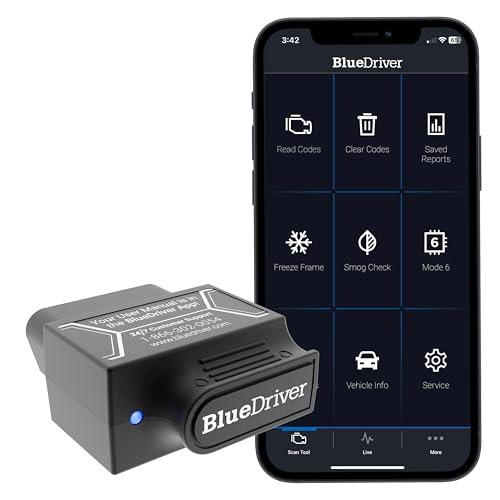

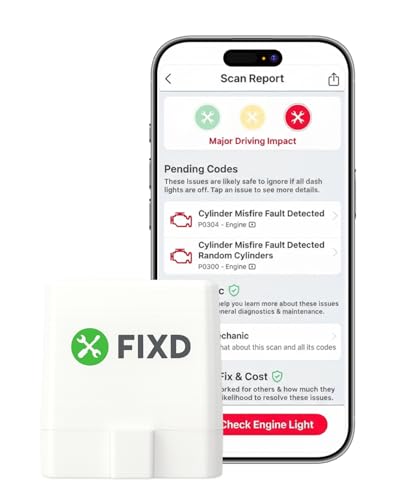

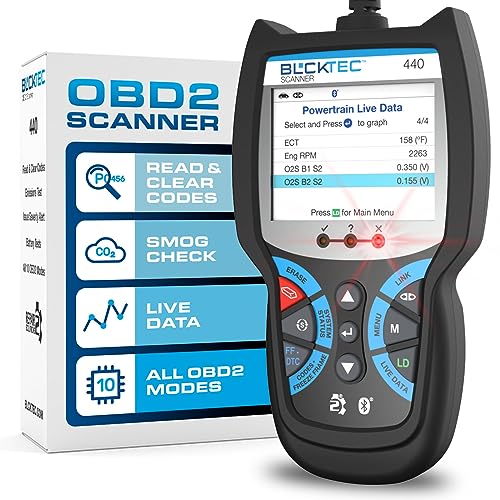

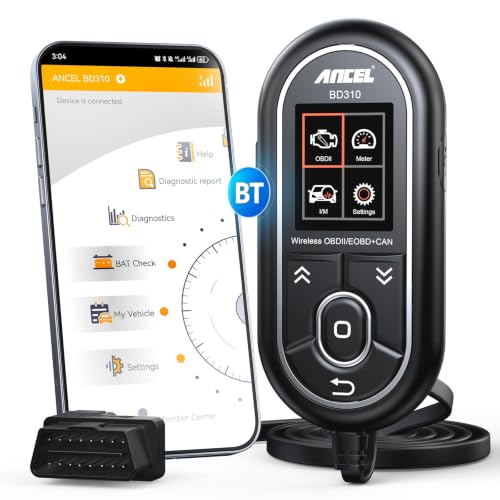


Who Should Buy Which Bluetooth OBD2 Scanner?
Owners Facing a Check Engine Light
If your goal is to read and clear basic engine codes at home, a simple Bluetooth Low Energy adapter and a free app tier will usually do the job. You get the fault code, a short description, and freeze frame data that shows speed and temperature when the code set. That is enough to decide whether the problem is a loose gas cap or something that needs a shop visit this week.
Used Car Shoppers Checking a Purchase
Before buying a used car, you need readiness monitor status as much as codes, because a seller can clear codes minutes before you arrive. Look for an adapter and app pairing that shows all monitors clearly and reports pending codes. A faster adapter also helps on a test drive, since live data on coolant temperature and fuel trim can reveal problems that no static code scan will catch.
DIY Drivers Who Want Live Data
If you plan to watch live sensor data while driving, or dig into ABS and airbag systems, step up to a fast adapter with a strong app ecosystem. Refresh rate matters here, because a slow adapter updates once a second and makes trends hard to read. Paid app tiers unlock extra vehicle systems, so factor that subscription or one time fee into what you spend overall.
Key Features to Compare
Bluetooth Type and Phone Compatibility
This is the spec that trips up the most buyers. Adapters come in two radio types: classic Bluetooth and Bluetooth Low Energy, often shortened to BLE. Android phones work with both. iPhones only connect to BLE adapters through apps, because Apple blocks classic Bluetooth data profiles for this kind of accessory. If anyone in your household uses an iPhone, buy a BLE adapter even if the listing leads with Android. Connection range is rarely an issue inside a car, but a BLE adapter also pairs faster and sips less power while it sits in the port.
The App Decides What the Adapter Can Do
The adapter is only a translator between your car and your phone, so the app sets the real ceiling on features. Good apps show plain language code definitions, freeze frame data, readiness monitors, and graphs of live data you can record and share. Many advanced features sit behind a paywall, such as enhanced diagnostics for one car brand or unlimited vehicle profiles. Before choosing hardware, check the app store listing for your car brand, read what the paid tier actually adds, and note whether it is a one time purchase or a yearly subscription.
Live Data Speed and Sensor Coverage
Every OBD2 adapter can read the standard list of engine sensors, but the speed at which it polls them varies a lot. Budget adapters may update two or three values per second, while faster units push several times that, which matters when you graph oxygen sensor swings or watch for a misfire under load. All adapters support the standard protocols used since the mid 1990s, including CAN on newer cars, so protocol support is rarely the deciding factor. Polling speed and how many sensors you can log at once are what you feel in daily use.
Systems Beyond the Engine
The standard OBD2 mode only covers engine and emissions faults. ABS, airbag, and transmission codes live in manufacturer specific systems that a basic app cannot see. Some adapter and app combinations unlock those systems for a fee per brand, which can save a real diagnostic bill. If that matters to you, our guide to the best obd2 scanner for BMW shows how brand specific coverage works on one make, and drivers who need to command parts on and off during testing should look at the best bidirectional obd2 scanner category instead, since Bluetooth phone adapters almost never offer that control.
Power Draw and Sleep Mode
Many owners leave the adapter plugged in full time, and a cheap one can draw enough current to flatten a weak battery over a long weekend. Better adapters enter a true sleep mode a few minutes after the engine shuts off and wake when you open the app. Check the listed sleep current before you buy, and look for automatic reconnection so you are not re pairing every trip. If your car sits for weeks at a time, plan to unplug any adapter, no matter how efficient it claims to be.
How to Pair and Run Your First Scan
Start with the engine off and the adapter seated firmly in the OBD2 port, which sits under the dash on the driver side of nearly every car sold since 1996. Turn the key to the on position without starting the engine, open the app, and let it find the adapter rather than pairing through your phone settings menu first, since many apps handle the connection themselves. Once connected, run a full code scan, save or screenshot the results before clearing anything, then check readiness monitors. Clearing codes erases the freeze frame evidence a mechanic would want, so record first and clear only after you have a plan for the repair.
Common Mistakes to Avoid
- Buying a classic Bluetooth adapter for an iPhone, which leaves you with hardware your phone cannot use.
- Clearing codes before saving them, which deletes the freeze frame data that points to the real cause.
- Ignoring app costs, so a cheap adapter turns expensive once the features you need sit behind a subscription.
- Leaving a high draw adapter plugged into a car that sits for weeks, which can leave you with a dead battery.
- Expecting engine only software to read airbag or ABS faults, then blaming the adapter when those menus stay empty.
- Diagnosing from the code alone, when the code names a circuit or a symptom rather than the exact failed part.
How to Make Your Bluetooth OBD2 Scanner Last Longer
Treat the adapter like the small electronic device it is. Keep it out of the footwell if your port sits where a boot can knock it, because cracked housings and bent pins are the usual cause of death. Store it in the glove box rather than a hot trunk, wipe the contacts with a dry cloth if connections get flaky, and keep the companion app updated so it stays compatible with new phone software. If you own several cars, the best obd2 scanner guide covers wired handheld units that some families keep as a backup, while working techs who scan cars daily should consider the best professional obd2 scanner class for faster hardware and broader coverage.
FAQ
Are Bluetooth OBD2 scanners worth it for home use?
Yes, for most owners they pay for themselves the first time a check engine light comes on. A single shop diagnostic visit often costs more than a decent adapter, and knowing the code before you call a mechanic changes the conversation completely. The value drops if your car needs brand specific software for every system, but for engine codes, readiness checks, and live temperature or fuel trim data, a phone based scanner covers the jobs home users actually run into.
Will a Bluetooth OBD2 scanner work with an iPhone?
It will, as long as the adapter uses Bluetooth Low Energy. iPhones cannot use classic Bluetooth adapters for scanner apps, a detail many listings bury in fine print. Check the product description for explicit iPhone or iOS support before ordering, and confirm the companion app is published on the Apple App Store. One extra tip: some apps charge separately on iOS and Android, so a household with both phone types may pay for the premium tier twice.
Can a Bluetooth OBD2 scanner drain a car battery?
It can if the adapter lacks a real sleep mode and the car sits unused. A quality adapter draws a tiny current once the engine is off and wakes only when the app connects. Problems usually involve the cheapest adapters paired with an older, already weak battery. If your car is driven daily, the draw is a non issue. If it sits at an airport for two weeks, unplug the adapter before you leave and remove the guesswork.
Can a Bluetooth OBD2 scanner read ABS and airbag codes?
Only some can, and the limit is software rather than the Bluetooth link. Standard OBD2 access covers the engine and emissions systems on every car. ABS, airbag, and transmission faults require manufacturer specific data, which certain apps unlock for a per brand fee while others never offer it. If reading those systems is your main goal, confirm your exact year and model appears in the app coverage list before buying, because coverage varies even within one brand.
How long does a Bluetooth OBD2 scanner last?
The hardware usually lasts for years because it has no moving parts and no battery of its own to wear out. What ends the useful life of most adapters is software: phone operating systems change, apps lose support, or a new car adds a protocol the old adapter handles slowly. Buying an adapter tied to an actively maintained app is the best insurance, and keeping the app updated matters more than anything you do to the plastic dongle itself.
Final Thoughts
Match the radio to your phone first, then judge the app, then look at polling speed and extra system coverage. That order prevents nearly every bad purchase in this category. For a quick refresher on the types side by side, check the product table before you order. Chosen that way, the best bluetooth obd2 scanner for your garage is simply the one whose app you will still be happy opening two years from now.


